Choosing a personal knowledge management app you will still use in a year
Updated · 13 min read

Listen to this post
Contents
- How do you choose a PKM app you will still use in a year?
- Key concepts
- Why do structure and navigability matter?
- Why do longevity and portability matter?
- Interoperability across content types
- Why should links run both ways across projects?
- What makes search frictionless in a PKM tool?
- Insight generation through patterns
- What does this look like in practice?
- Brand-aware considerations
- How do you measure whether the pilot is working?
- Conclusion
- What are the two steps of a reliable migration plan?
- Omphalis philosophy in practice
- Which pitfalls should you avoid?
- Practical tips for sustained success
- FAQ
- What matters most when choosing a personal knowledge management app?
- Why do most personal knowledge management systems get abandoned?
- How long should a PKM pilot run before you commit to a tool?
- Can a personal knowledge management app replace a folder of notes?
- References
TL;DR
- Choose a personal knowledge management (PKM) tool based on long-term viability, data longevity, and interoperability across formats, not just present-day features.
- Prioritize structure, bidirectional linking, and portable exports to preserve context and enable migration without losing meaning.
- Test practical workflows and run a short pilot (one month) to map a project end-to-end, assess export readiness, and build a small, interconnected knowledge map.
How do you choose a PKM app you will still use in a year?
Choosing a personal knowledge management app you will still use in a year is about long term viability, not just features today. The short answer: pick the app whose export path and structure you would still trust after a year, not the one with the longest feature list today. You want an option that matches how you work and scales with your growing library of notes, PDFs, podcasts, and videos.
At Omphalis, we design a knowledge experience that keeps meaningful moments intact while letting you connect ideas across content types. The goal is understanding, not merely collecting.
When you pick a PKM tool, three core questions should guide your decision: longevity, relevance, and portability. Longevity means you can access and move your data years from now. Relevance means the tool supports your current workflows and thought processes.
Portability makes sure you can migrate without losing structure or context if your needs change. Consider a real world scenario: you accumulate project notes, vendor specs, and research articles over 18 months. A tool with strong longevity lets you export your notes as interoperable formats and preserves backlinks, so a quarterly review doesn't break the landscape you built.
A tool with weak export options forces manual reconstruction, wasting weeks of effort. We ground every claim in real world use cases and practical tradeoffs. The tools that survive a year are rarely the flashiest features.
They are those that align with how you read, annotate, and recall information. You should be able to map insights you've chosen across articles, PDFs, and multimedia into a coherent knowledge map. This is the core promise of a strong knowledge management solution.
Practical example: someone researching climate policy builds a cross media map from white papers, podcast transcripts, and news articles. The PKM should automatically tag themes like emissions targets, energy mix, and regulatory timelines, while allowing you to attach a note that links to a relevant quote.
When you revisit the topic, you should see a connected web rather than a pile of isolated files. In evaluating tools, look for concrete interoperability: bidirectional links, standardized export formats, and consistent metadata.
If you cannot export a project with its structure intact, you risk losing context when you switch tools or teams. A robust PKM supports structured data in a portable format like JSON or Markdown with embedded links, not just a proprietary snapshot.
We recommend starting with a practical test: map a current project end to end in your chosen tool. Create sources from three types of content, annotate them with three to five key insights, and link related ideas across sources. You should be able to generate a profile view, a timeline of thought development, and a simple knowledge map without leaving your workspace.
We'll outline a framework you can apply to popular knowledge management tools like Notion, Confluence, Obsidian, Tana, Capacities, Coda, and Slite. We'll also reference how a platform like Omphalis approaches this space: turning diverse content into a clean, navigable map that preserves noteworthy moments.
The goal is not to find the perfect tool on day one. It's to choose an app you can grow with, one that remains usable as your library expands and your needs evolve. A good PKM tool should help you retain what you read and make it easy to revisit ideas.
Beyond features, assess how a tool supports your workflow. Do you annotate PDFs and pull quotes with a single shortcut? Can you attach rich media like audio clips or video timestamps and see them in context later?
In addition, account for common pitfalls. Some tools encourage over structuring, which slows you down. Others force a rigid hierarchy that makes lateral connections hard. Watch for hidden costs in storage, API limits, or planned feature deactivations.
We'll provide a practical one month pilot plan: week one define your research questions, week two build a linked note system, week three test multimedia ingestion, and week four assess export readiness and cross tool compatibility. This structured approach helps you observe how the tool supports comprehension, not just reduction of information.
By the end of the pilot, you should have a clear answer about data longevity, structure, and interoperability. You'll know which tool most closely aligns with your reading habits, annotation styles, and recall processes.
The next section covers the key concepts that determine whether a PKM tool remains useful over time: data longevity, structure, and interoperability, along with practical steps for the one month pilot.
Key concepts

A strong personal knowledge management app helps you move from scattered content to coherent, usable insights. The goal is not to store more, but to connect more meaningfully. You should be able to map ideas across notes, links, and files so patterns emerge rather than fade.
Why do structure and navigability matter?
Structure is the backbone of comprehension. A clear, searchable taxonomy lets you locate ideas without retracing your steps.
The right tool should let you tag, relate, and hierarchize content so a single concept surfaces in multiple contexts. That way you understand how a fragment fits into a larger project or decision.
Why do longevity and portability matter?
Choose an approach that survives platform shifts. You want data you can export, migrate, or reformat without losing meaning. This means considering export formats, metadata, and how much context travels with each item. Portability reduces the risk of being locked into a single vendor or workflow.
Interoperability across content types

Your knowledge spans text, PDFs, code, audio, and video. A robust PKM setup links these formats so a note about a concept can reference the source material, related notes, and a timeline of decisions. Interoperability makes sure you can reuse insights as your projects evolve rather than recreate knowledge from scratch.
Why should links run both ways across projects?
Links should not be one way. You should be able to traverse from a project note to related research, then back to a synthesis paragraph that ties the ideas together. Cross-project connections help you see dependencies, conflicts, and opportunities you might miss with siloed notes.
What makes search frictionless in a PKM tool?
Instant retrieval beats deep archives. A capable PKM tool indexes content with context, so you can search concepts, references, and terms, not just exact phrases.
Quick filters, full-text search, and semantic hints reduce the time you spend digging and increase the time you spend understanding.
Insight generation through patterns
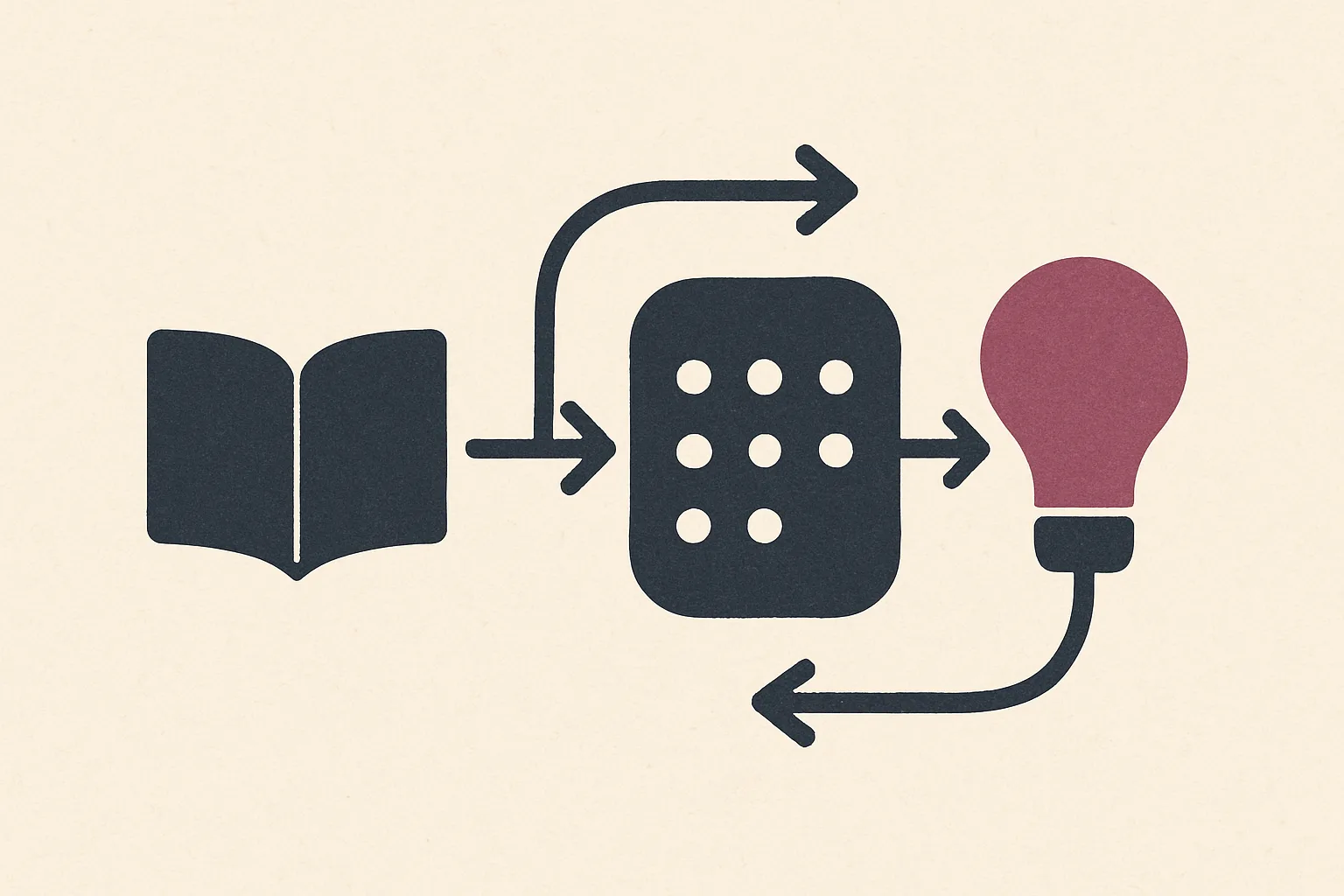
The goal is to surface patterns, not just accumulate facts. Look for recurring themes, decision criteria, and evolving mental models. A good PKM system makes these patterns visible through visualizations, dashboards, or structured views that you can act on, not just review.
Practical evaluation criteria worth weighing side by side:
- Data structure: How you organize notes, links, and files matters more than the tool name.
- Linking capabilities: How easily you connect ideas across domains.
- Export options: Can you move data with context intact?
- Search experience: Speed, accuracy, and filters that map to your workflows.
- Content compatibility: Support for multimedia and varied document types.
What does this look like in practice?
In real life, you might read a research report, highlight key findings, and attach a relevant slide deck. Later, a project note should reference those findings and link to the exact pages or timestamps. This practical traceability keeps understanding intact over time.
Brand-aware considerations
Tools like Notion, Obsidian, or Tana each offer different strengths in structure and linking. If your aim is deep interconnection, you may favor a system that emphasizes bidirectional links and graph views.
For teams, consider how knowledge base tools like Confluence or Capacities support shared context while preserving individual notes. Across these options, the focus remains on sustaining comprehension as your library grows.
How do you measure whether the pilot is working?
Adopt a simple, repeatable pilot to gauge usefulness. Track how often you retrieve the exact item you sought, how quickly you can connect related ideas, and whether you can regenerate a synthesis from disparate sources.
Use practical milestones rather than abstract goals to determine if the approach stays valuable over time. Expect evolving needs: you may start with notes and links and later add structured templates, workflows, or automation.
A flexible foundation reduces friction when you expand, merge projects, or adopt new content types. The aim is a livable system that adapts without breaking your mental model.
Conclusion
Choosing a personal knowledge management app you will still use in a year means testing how the tool maps to your thinking, not just how it looks. Prioritize long term viability, the integrity of your notes, and the ability to connect ideas across formats.
Start by mapping your typical workflow. Do you gather research articles, meeting notes, and project sketches in separate spaces or in one continuous canvas? Choose an app that naturally supports your current mix.
For example, if you routinely annotate PDFs and attach audio summaries from meetings, verify that the platform can store the notes, preserve annotations, and link to the original document without breaking references.
Test data portability with a real export exercise. Create a mini archive of a week of notes, including embedded media, tags, and links. Export this bundle and attempt a reimport into another device or tool.
Confirm that contextual data like citations, author metadata, and timestamps remain intact. This reduces risk if your vendor changes pricing or you switch platforms later.
Assess cross format linking by building a small cross‑type map. Import a PDF, attach a voice memo, and create an outline that references headings in the PDF. Then, navigate between the source and the synthesis without losing context.
Evaluate search and retrieval through a practical scenario. Suppose you want to locate all notes related to a specific concept such as "customer onboarding" across projects, meetings, and research. Test whether you can filter by concept, source, date range, and related people.
What are the two steps of a reliable migration plan?
In practice, start with a platform that handles your current content mix and plan a two step migration path. Step one is to centralize: bring current notes, references, and media into a sandbox area. Step two is to streamline: reorganize into a minimal, navigable structure that mirrors how you think about projects.
Build a small, interlinked set of notes that mirror a real project. Create a research note, a synthesis note, and a notebook entry that ties them together with explicit links. If you can navigate from a research note to a synthesis and back to the original sources without friction, you're on the right track.
Document the migration plan with clear milestones. Schedule a week for data cleanup, a week for structure tuning, and a month for habit formation. Include a fallback process such as keeping a parallel export in a universal format during the transition.
Omphalis philosophy in practice
Omphalis approaches this with a focus on preserving noteworthy moments while connecting ideas across content types. The platform encourages you to tag not just topics but moments of insight, quotes, and decisions, creating a timeline of how thinking evolves.
Consider a real world scenario: you're preparing a three team briefing on a market shift. You pull in customer interviews, analyst reports, and internal memos. A strong KM tool helps you surface the core insight, show how it was derived, and reveal dissenting viewpoints.
In Omphalis, you can create a synthesis node that links to source artifacts, a decision log, and follow up tasks. This concrete linkage makes the briefing not a one off, but a living document you can revisit for post‑mortems.
Which pitfalls should you avoid?
Don't assume features cover your thinking. A flashy interface may hide rigid linking structures that force you into a rigid tree, reducing flexibility. Always test how easy it is to create ad hoc connections between disparate notes.
Avoid vendor lock in by neglecting data exports. If you cannot export with context intact, you will lose meaning as soon as you switch tools. Run a small, regular export ritual to stay in control of your knowledge assets.
Be wary of feature bloat. Too many bells and whistles can overwhelm your daily practice. Choose a tool that emphasizes core capabilities you actually use, then extend when you need it.
Practical tips for sustained success
- Set a weekly micro habit: review and link three new notes to existing ideas to reinforce network growth.
- Create templates for common content types: research notes, meeting minutes, and project plans to reduce friction and maintain consistency.
- Use a universal tagging scheme with a clear purpose: concepts, sources, and actions. Review tags quarterly to prune overlaps.
- Keep a living map of your workflows: write a short paragraph on how you use the tool and update it after major projects.
- Schedule quarterly architecture reviews with a second pair of eyes to catch dead ends or orphaned notes.
In short, with disciplined testing, a two step migration plan, and a clear understanding of your thinking processes, you can choose an app like Omphalis that supports understanding, connections, and future project readiness.
FAQ
What matters most when choosing a personal knowledge management app?
Long-term viability matters more than any single feature. Prioritize export options, portable formats, and how well the tool preserves structure, since those determine whether you can still use — or leave — the app a year from now.
Why do most personal knowledge management systems get abandoned?
Most PKM systems are abandoned because the organizational overhead outweighs the payoff: rigid hierarchies, weak search, and exports that lose context all make the system harder to maintain than the notes it was meant to simplify.
How long should a PKM pilot run before you commit to a tool?
A one month pilot is usually enough. It gives you time to map a real project end to end, test multimedia ingestion, and run an export exercise that reveals whether the tool's structure survives a genuine migration attempt.
Can a personal knowledge management app replace a folder of notes?
Yes, when it adds structure a folder cannot: bidirectional links, tagging across content types, and search that understands context. A folder stores files; a PKM tool connects the ideas inside them.
References
- Is the concept of Personal Knowledge Management flawed? : r/ObsidianMD
- I Try 5 Great Personal Knowledge Management Systems.
- The 12 Best Knowledge Management Tools in 2026 (Tested)
- How to Choose the Right Tools for Your PKM System - Sébastien Dubois
- 12 Best Personal Knowledge Management Tools for 2026