Finish what you mean to read, watch, and listen to.
Drop in an article, PDF, podcast, or video. Omphalis turns it into a clean read or a follow-along, marks what matters, and holds it so it is there when you return.
See it on a real article, podcast, and video first, run through the same pipeline paying members use. Founding members get 90 days of Premium while spots remain, no card, and the free plan stays free after that.
Bring anything
ArticleThe New Yorker19 min
1
Clean
The Art of Decision-Making
Read
Site navNewsletter popupAdCookie bannerremoved
2
Structure
Darwin’s marriage dilemmaNarrative
Darwin and Franklin’s listsQuote
The everyday decision paradoxNarrative
3
Annotate
scenario planningExpand
Imagine several detailed futures in full, then choose the one you would still stand behind in each.
Future A·Future B·Future C
✎
Mark & return
You keep what matters. That mark is your reason to come back.
See it in motion
From saved to understood.
Watch how Omphalis turns everything you save into something you actually understand: clean, structure, annotate, connect.
A real Omphalis example
A long podcast should not become a half-remembered feeling.
Here’s a real 2h 28m podcast run through Omphalis. The shape, mapped. One note where the conversation gets dense. One moment marked. One place to come back to.
Podcast
·
Huberman Lab
·
2h 28m
How to Better Regulate Your Emotions | Dr. Marc Brackett
WithAndrew HubermanandMarc Brackett
Strata · the shape of the conversation
Showing 10 of 71
01Introduction to Mark Brackett and emotional intelligenceIntro
02Emotion regulation is relationship to feeling1 noteInsight
03Emotion regulation formula and PRIME goals2 notesDeep Dive
04Mindset about emotions and anxiety reframing2 notesDeep Dive
05Gender differences in emotion expression at homeStory
06Vulnerability with strategy and meta momentInsight
07Emotion vocabulary and core relational themes3 notesDeep Dive
08Meta moment technique and best self framework1 noteDeep Dive
09RULER framework and emotional intelligence componentsDeep Dive
10Closing remarks and resource informationInsight
Annotation
“anxiety is a good thing.”
Brackett is reframing anxiety not as something to suppress but as informational — a signal of uncertainty about the future that can be channeled into preparation rather than avoidance. The point lands harder because Huberman, a neurobiologist, agrees.
Marked moment
“Stress is having too many demands and not enough resources.”
Compact, usable definition. Worth keeping next to anything about overload, burnout, or capacity.
Return point
·
1:47:22
Meta moment technique and best self framework — The technique itself — the pause between trigger and response — explained as a tool, not a concept.
What makes it different
Built for staying with content, not just generating from it.
Content made easier to enter
Before anything else, Omphalis brings the source in cleanly. Each kind of content (articles, PDFs, EPUBs, Word docs, podcasts, videos) runs through its own extraction pipeline: clutter removed, layout untangled, transcripts cleaned, long-form made readable. Comprehension starts before any note appears.
Omphalis does not only analyze content. It makes content easier to enter.
The shape, not the gist
Most tools reduce a piece to an answer. Omphalis shows its shape first: sections, argument flow, transitions, dense moments, claims, evidence, and the places worth re-entering.
A summary gives you the gist. Omphalis gives you the shape.
A companion, not an afterthought
Omphalis stays with you while you read, listen, watch, or work through a PDF, not only after you upload. It lives close to the moment of attention, where understanding actually happens.
A companion for the content itself, close to where attention happens, not a detour you take after the reading is already behind you.
Your marks, kept as meaning
When you mark a paragraph or a timestamp as important, confusing, worth using, or worth questioning, that mark is a first-class object. It records what mattered to you, not what a model guessed mattered.
Omphalis preserves what you noticed, not just what a model summarized.
Connections from what you chose
Threads grow from the moments you marked, not generic similarity between files. A newer piece can pick up an idea you marked before, or challenge one you held, or join a line of thought you are already developing.
Omphalis connects the moments you chose, not just the documents you uploaded.
Omphalis gives long content a clean page, a clear map, and a margin for what matters.
Watch it work · 01 / 05
One piece, from cluttered to kept.
¶Articleleadershipweekly.com
♪Podcasthuberman lab · ep 147
▤PDFsleep-and-memory.pdf
▷Videoyoutube.com / watch
leadershipweekly.com
ArticleGallup6 min read
Accountability is leadership's greatest weakness
Jim Harter and Corey Tatel
Gallup has spent years measuring what separates the most effective leaders from the rest. The same seven competenciesExpandGallup's framework names seven leadership competencies: build, develop, recognize, care, inspire, communicate, and hold accountable. The seventh scores lowest across thousands of leaders, and it tracks most closely with falling engagement.Hierarchy · 8 nodes keep surfacing across the research.
Build relationships. Develop people. Recognize contributions. Care about wellbeing. Inspire. Communicate clearly. And hold people accountable.
Of the seven, accountability rates the lowest. Leaders overrate themselves on it more than on anything else, and the people they manage rarely see it the same way.
That gap matters: people experience the whole organization through their manager. When accountability slips, employee engagementDefineHow involved and enthusiastic people are in their work. In Gallup's panel it has slid alongside how clearly people understand what is expected of them. slips with it.
The remedy is not a harder annual review. Accountability is built in small, predictable routines: clear expectations, regular check-ins, and follow-through people can count on.
Site nav
Newsletter popup
Advertisement
Cookie banner
Trackers
Strata · the shape6 of 20
01FrameworkThe seven competencies
02ArgumentWhy accountability is hard
03DataLeaders overrate themselves
04DataEngagement is slipping
05NarrativeLived through the manager
06PracticalBuilt in small routines
omphalis.ai / reader
ArticleGallup6 min read
Accountability is leadership's greatest weakness
Jim Harter and Corey Tatel
Gallup has spent years measuring what separates the most effective leaders from the rest. The same seven competenciesExpandGallup's framework names seven leadership competencies: build, develop, recognize, care, inspire, communicate, and hold accountable. The seventh scores lowest across thousands of leaders, and it tracks most closely with falling engagement.Hierarchy · 8 nodes keep surfacing across the research.
Build relationships. Develop people. Recognize contributions. Care about wellbeing. Inspire. Communicate clearly. And hold people accountable.
Of the seven, accountability rates the lowest. Leaders overrate themselves on it more than on anything else, and the people they manage rarely see it the same way.
That gap matters: people experience the whole organization through their manager. When accountability slips, employee engagementDefineHow involved and enthusiastic people are in their work. In Gallup's panel it has slid alongside how clearly people understand what is expected of them. slips with it.
The remedy is not a harder annual review. Accountability is built in small, predictable routines: clear expectations, regular check-ins, and follow-through people can count on.
ExpandFrom the article
“the same seven competencies keep surfacing”
Gallup's framework names seven leadership competencies: build, develop, recognize, care, inspire, communicate, and hold accountable. The seventh scores lowest across thousands of leaders, and it tracks most closely with falling engagement.
Hierarchy · 8 nodes
omphalis.ai / reader
ArticleGallup6 min read
Accountability is leadership's greatest weakness
Jim Harter and Corey Tatel
Gallup has spent years measuring what separates the most effective leaders from the rest. The same seven competenciesExpandGallup's framework names seven leadership competencies: build, develop, recognize, care, inspire, communicate, and hold accountable. The seventh scores lowest across thousands of leaders, and it tracks most closely with falling engagement.Hierarchy · 8 nodes keep surfacing across the research.
Build relationships. Develop people. Recognize contributions. Care about wellbeing. Inspire. Communicate clearly. And hold people accountable.
Of the seven, accountability rates the lowest. Leaders overrate themselves on it more than on anything else, and the people they manage rarely see it the same way.
That gap matters: people experience the whole organization through their manager. When accountability slips, employee engagementDefineHow involved and enthusiastic people are in their work. In Gallup's panel it has slid alongside how clearly people understand what is expected of them. slips with it.
The remedy is not a harder annual review. Accountability is built in small, predictable routines: clear expectations, regular check-ins, and follow-through people can count on.
Your library0 kept
Nothing kept yet. In the reader, click the highlighted line to keep it.
Now · this articleLeaders overrate their own accountability
Voice note · Feb 142am: my team doesn't know what “done” looks like
Podcast · Mar 2Radical Candor on caring personally
Highlight · Apr 9“Clear is kind.” — Brené Brown
Article · May 1Why one-on-ones quietly fail
Any source: articles, podcasts, PDFs, videos. Clutter falls away, and what is left is readable.
01
Arrives clean
02
Shows its shape
03
Marks the hard parts
04
You keep what matters
05
Connects over time
Arrives clean. It strips away the noise. Any source: articles, podcasts, PDFs, videos. Clutter falls away, and what is left is readable.
Shows its shape. It reveals the shape. Typed moments, so you see the argument before you read a word of it.
Marks the hard parts. It explains what you might miss. Sparse notes where they earn their place. Hover one to read it.
You keep what matters. You keep what matters. Click a line to keep it. That mark is yours, and it is the whole loop.
Connects over time. And it connects what you keep. Your marked moment meets the things you saved months ago.
What it asks of you
Mark the moment. That is the whole loop.
01
Open a piece you chose.
02
See its shape.
03
Tap one mark on what matters.
04
Done.
No folders to build. No tags to invent. No daily review to keep up with. The product is useful from the first tap.
Omphalis remembers what you marked and where. When you come back to that topic later, it’s there.
You can add a note. You don’t have to. A tap is enough.
Omphalis prepares the path. You decide what matters.
See the shape
Hover any moment — Strata names what it is and how dense it is.
Not another chat box for your files.
Most tools like this are used one way: to get the gist and move on. You ask, it answers, and the thing you saved you never really read. It feels efficient, and it builds nothing that stays.
Omphalis is built the other way around. It starts with the content itself: its structure, its dense moments, the places where your attention should sit. When it helps, the help sends you back into the source, not around it. Maps and marks, not shortcuts.
Not a summarizer. Not a way to skip what you saved. Not a second brain that asks you to think for it.
Works with the content you already use.
Omphalis does not need to own the content. It helps you understand and mark what you already read, watch, or save.
Newsletters, your own notes, and voice notes flow through the same pipeline. Subscribe to Substack or any publication with a feed right in your Inbox, alongside your podcasts.
Also included
It will also build you a course.
Not a summary of something you saved. An actual course: objectives in the order you have to learn them, each one taught from a real source the builder went and found, checked the licence on, and threw out when it did not hold up. Reading them is included on every plan, and the catalog is expanding daily.
The omphalos at DelphiSourceThe actual stone is in the Delphi Archaeological Museum. Carved between the 6th and 4th centuries BCE — an egg-shaped limestone marking the sacred navel of the ancient world. was not a monument. It marked the point of convergenceDefineIn Omphalis, the place where fragments from different sources are recognized as saying the same thing — the moment meaning gathers. — where meaning gathered.
Hover an underline to read the annotation
This is the actual product
app.omphalis.ai
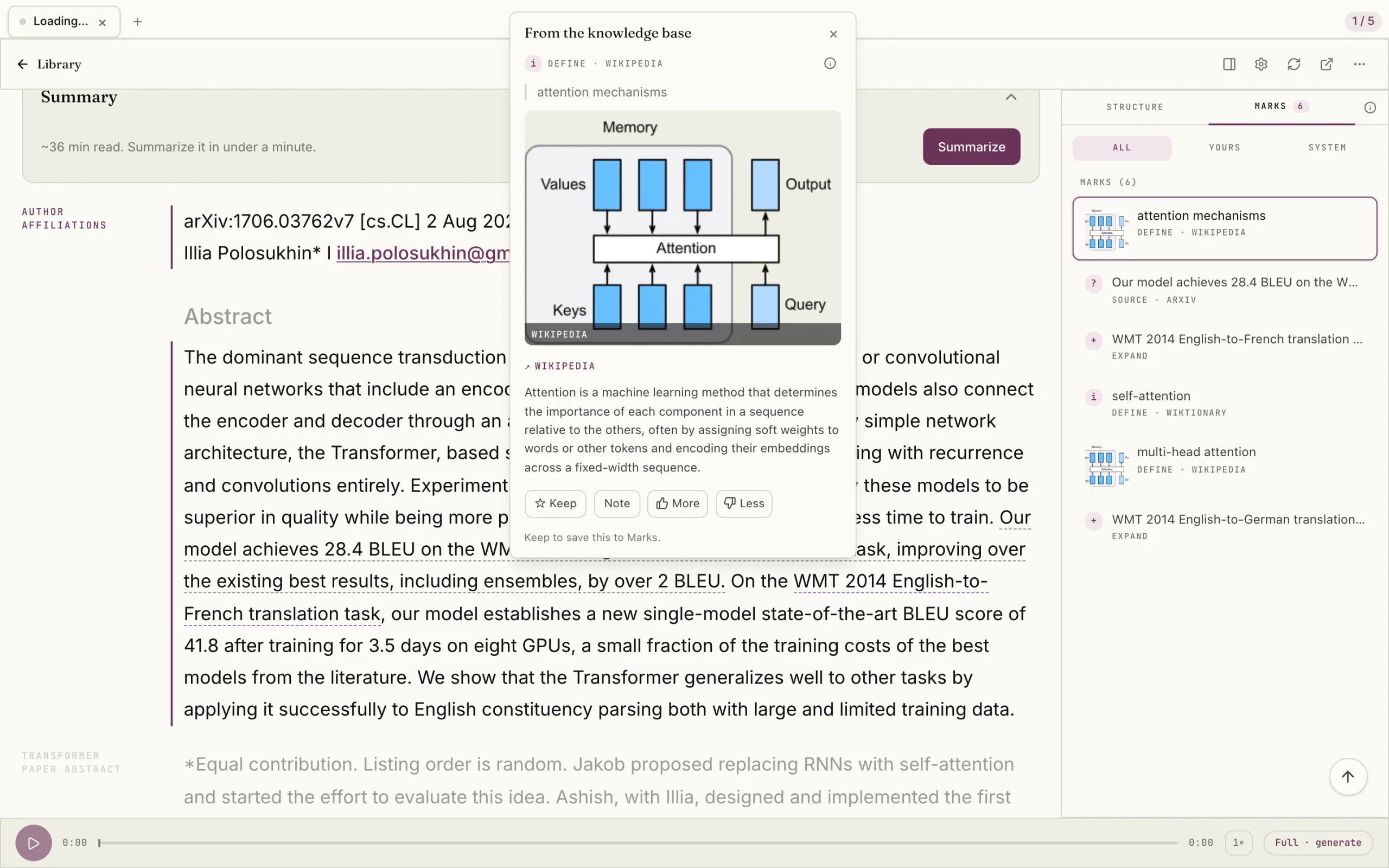
Not a mockup. A real paper in the reader, with the hard parts explained where they land.
Still there when you need it. Still connected when you return.
The article you saved in February is ready when the topic comes around again. It’s connected to what you’ve read since. The library is not a pile. It grows with you.
For anyone who reads, listens, watches, and wants any of it to stay.
Writers, teachers, researchers, students, pastors, and other serious readers use long content to do real work. Omphalis helps that content become easier to enter and harder to lose.
Also the casual reader who just doesn’t want the things that mattered to them to vanish by next month.
Because the things you read, watch, and listen to are supposed to change how you think. If you only skimmed the article you loved last week, or let the podcast that shaped your worldview wash over you, or sat through the lecture on something hard without ever really getting it, the time you spent on them paid you back less than it could have.
The world keeps producing content faster than ever, and most tools we use to "save" it (bookmarks, read-later queues, summarizers) help us pretend we engaged with it. Comprehension is the difference between consuming and learning. Between recognizing an idea and being able to use it.
Who is Omphalis for?
For anyone who reads, listens, watches, and wants any of it to stay.
Writers who need their inputs to feed their thinking
Teachers and pastors whose teaching depends on what they've taken in
Researchers whose understanding has to remain retrievable
Leaders whose decisions depend on real comprehension, not skimmed summaries
Students and lifelong learners building knowledge that compounds across years
Also the casual reader who simply doesn't want the things that mattered to them to vanish by next month. If you ever caught yourself thinking "I should remember this" about something you read, Omphalis is for you.
Summarizers compress content into something shorter. Chat boxes hand you an answer so you can move on. Both make you feel like you understand without doing the work that builds understanding.
Omphalis does the opposite. It doesn't collapse the content. It gives it a structure you can see, and a margin you can mark. You still do the reading. The product does the orienting and remembering.
A summary gives you the gist. Omphalis gives you the shape, the parts that matter, and a way back when you need it.
Yes. Omphalis uses language models to read the shape of a piece, find the dense moments, and suggest notes where understanding usually breaks. We're careful about what we ask them to do, and careful about what we don't.
Most tools that say "powered by AI" replace your thinking with a model's output. A summary, an answer, a verdict. Omphalis does the opposite. The system shows you the shape of what you're reading and suggests notes where they earn their place. Every decision is still yours. Your marks are yours. Your return points are yours. The system's suggestions are suggestions, not verdicts.
If Omphalis ever feels like it's thinking for you instead of with you, that's a bug. Tell us.
Yes. The Free tier covers around 8 articles, or a couple of podcasts, a month with full structural comprehension, 100 subscribed sources, 2 GB of storage, and an hour of Everyday listening. It also includes Spaces, the first memory layer, and reading any course in the catalog. Enough to decide whether Omphalis earns a place in how you read. Your library and your own notes are never capped on any tier.
Your saved content, marks, and notes live in a database that is yours alone. Each user has their own isolated storage. We do not pool your content with other users' content.
Try Omphalis with one piece of content you actually care about.
Bring one article, podcast, video, PDF, EPUB, or Word doc you wish stayed with you. We’ll map it, mark the parts worth keeping, and show you the way back when you need it.
Join as a founding member while spots remain: 90 days of full Premium, early access, and direct support. When the 90 days end, the free plan stays free.