Chrome and Firefox
Read it where you find it.
Open the Omphalis extension when you find an article you want to read. Save it to your Library, or use the reading view to get started on the page you already have open.



Updated
How do you save an article with a note about why?
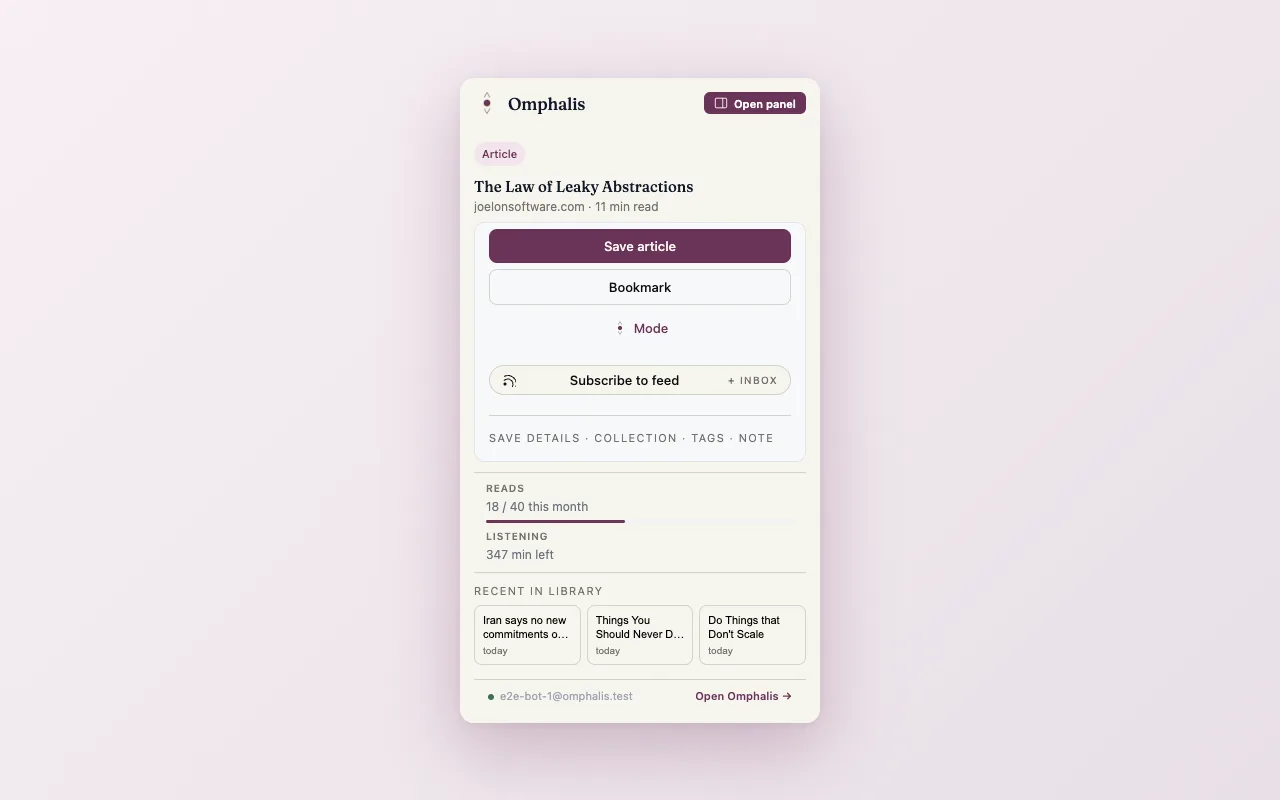
The popup identifies the article you are viewing. Choose Save article, and use the save details to add a Collection, tags, or a note. If the site offers a feed, the popup also gives you a way to subscribe.
How do you start reading in the browser?
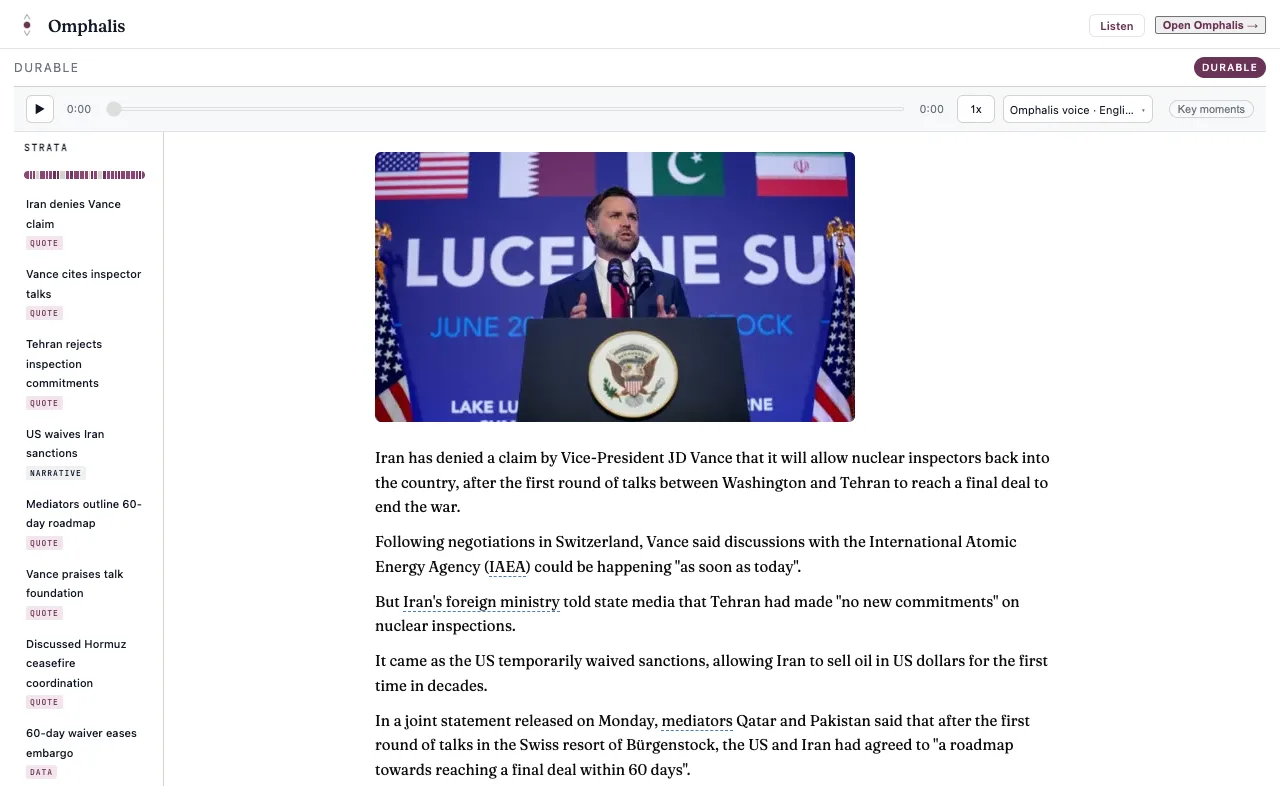
The reading view puts the article text in one column, with the section map beside it. Use inline explanations when a term stops you, or choose Listen to hear the text. Open Omphalis when you want to continue with your Library.
What else should you know about the browser extension?
- Which browsers does the Omphalis extension support?
- Chrome and Firefox. Both extensions bring the clean reading view, the section map, inline explanations, and Listen to supported pages.
- What happens when I save an article from the extension?
- The popup identifies the article you are viewing. Choose Save article to keep it in your Library, and use the save details to add a Collection, tags, or a note.
- How many pages can I save from the extension?
- The extension saves and structures 40 pages a month on Free and the 30-day trial, 250 on Pro, and 600 on Premium and Scholar.
- Do I need the extension to use Omphalis?
- No. Omphalis works in any modern browser at app.omphalis.ai, and in the iPhone and Android apps. The extension brings the reading view to the page you already have open.
Start with one thing you saved.
Drop in the piece you keep postponing. Give it a few minutes.
The free plan is real and stays free. See pricing
Start free
30-day trial, no card required. Includes 600 comprehension units, 200 Ask voice minutes and 15 assistant answers a day. After that, Free stays free. See plan allowances.
Written by Omphalis teamLast updated