On your Mac
Your Library, in its own window.
The same Library as the web app and the extension, in a Mac app that stays out of your browser tabs, opens Save from any app, and keeps a plain copy of what you keep in a folder you choose.
Download for Mac
A universal app for Apple silicon and Intel. macOS 13 or later. Sign in with your Omphalis account.
Updated
Omphalis
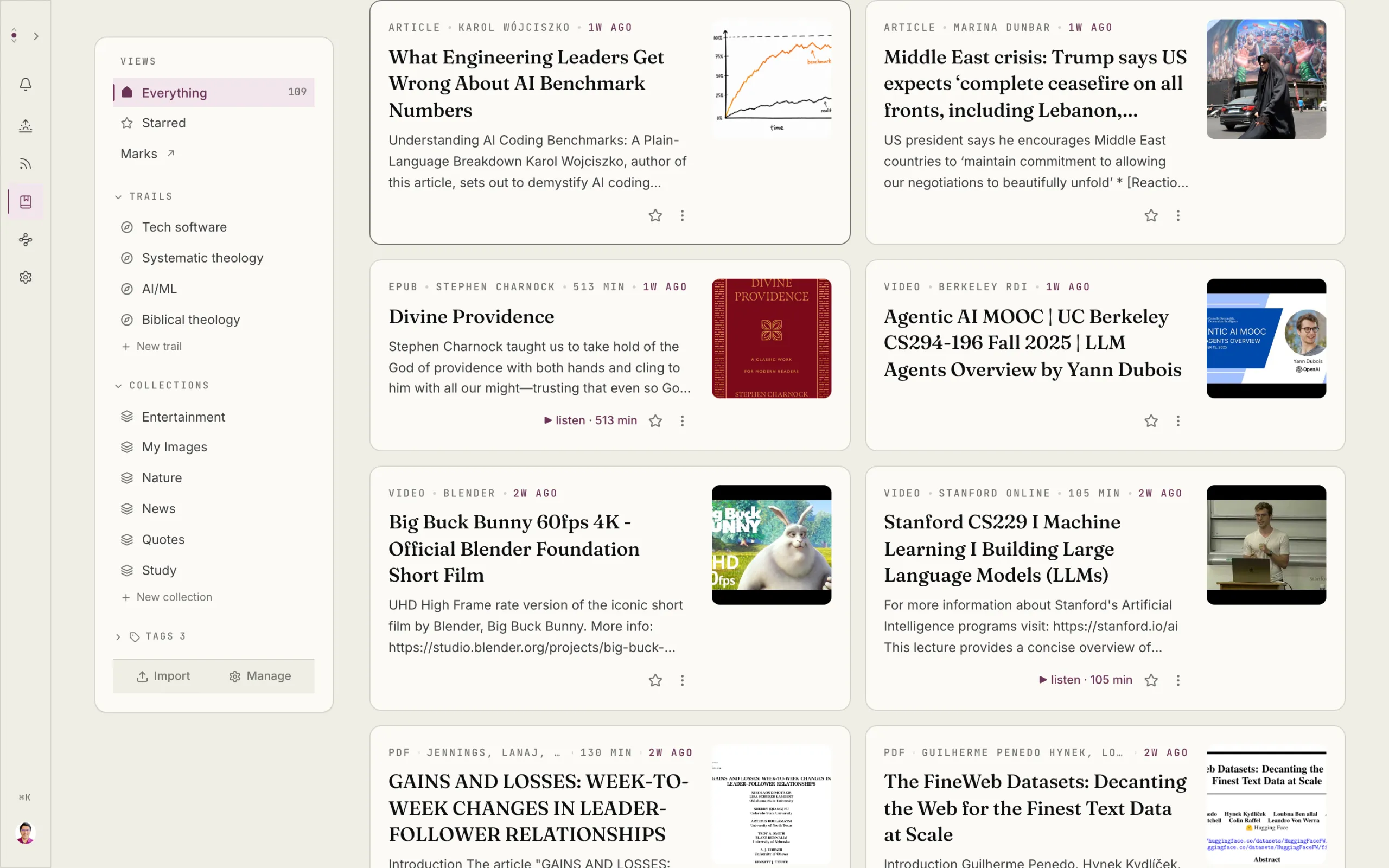
Omphalis
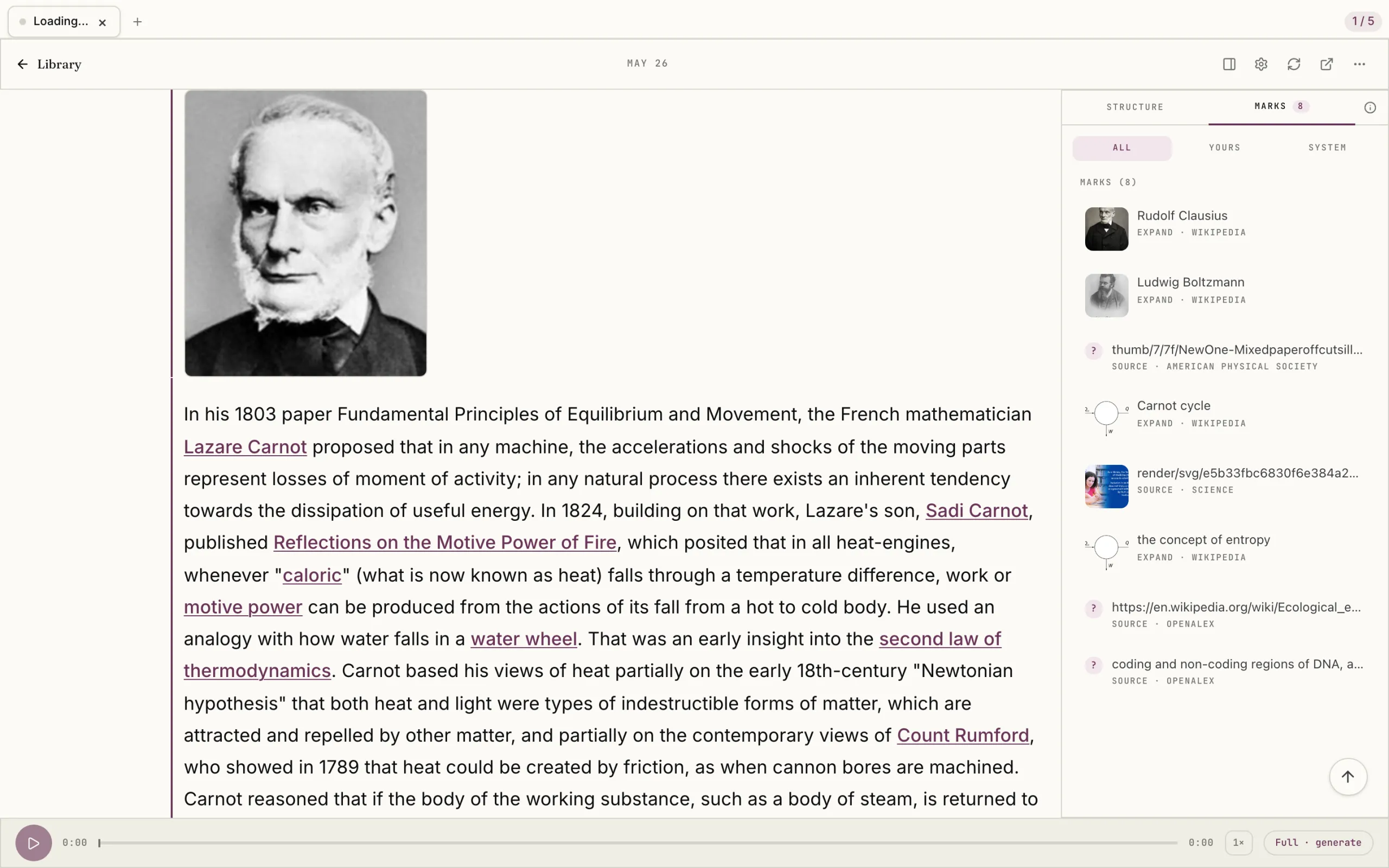
Its own window
Omphalis has its own window and Dock icon, out of your browser's tabs, so the piece you are working through is one ⌘-Tab away.
Opens instantly
Pieces you have opened come up from a copy kept on your Mac, without waiting on the network.
Save from any app
Press ⌘⇧Space in any app, or choose Quick capture in the menu bar, and Omphalis comes forward with Save open, ready for a link, a document, an image, or a new notebook.
A folder that saves for you
Choose a folder and Omphalis adds the files you drop into it to your Library. PDFs, EPUBs, images, and audio arrive as they are; Markdown and Word files become notebooks.
A Markdown copy you own
Turn on the Markdown copy and Omphalis writes a plain copy of everything you keep to a folder you choose, readable in any notes app.
Signed in once, kept current
Sign in through your browser and your Mac's Keychain holds the session. The app is signed and notarized, and a new version downloads in the background and installs when you quit.
One Library
What you keep on your Mac is the same Library you read on the web, in the extension, and on your phone.
Your marks, Strata, notes, and reading progress stay in step wherever you open them.
Start with one thing you saved.
Drop in the piece you keep postponing. Give it a few minutes.
The free plan is real and stays free. See pricing
Start free
30-day trial, no card required. Includes 600 comprehension units, 200 Ask voice minutes and 15 assistant answers a day. After that, Free stays free. See plan allowances.
Written by Omphalis teamLast updated