ChatPDF vs Scholarcy for extracting methods from dense research papers
Published · Updated · 6 min read
Listen to this post
Contents
- How do ChatPDF and Scholarcy differ for methods extraction?
- What do ChatPDF and Scholarcy each do?
- ChatPDF
- Scholarcy
- How can you review methodology with each tool?
- When is a conversational question the better starting point?
- When does a structured flashcard prevent repeated work?
- Which workflow fits dense or ambiguous methods?
- Which details still need a human check?
- Why do dense layouts need closer checking?
- How do you turn one paper into a methods comparison workflow?
- Which should you choose: ChatPDF or Scholarcy?
- Frequently asked questions
- What should I record from a methods section?
- How should I check a generated answer?
- Should I use questions or structured flashcards?
- Conclusion
Omphalis publishes this comparison and offers a workspace for understanding. We have a commercial interest in readers choosing Omphalis. This is a comparison of documented workflows, not an accuracy or safety benchmark.
Quick comparison: ChatPDF supports targeted questions linked to PDF passages. Scholarcy provides structured flashcards and extracted tables and figures. Either workflow still requires checking the original paper.
A methods section can change a paper's meaning. This comparison looks at documented ways to locate and record design details, tables, caveats, and limits. It does not report hands-on accuracy or speed testing.
How do ChatPDF and Scholarcy differ for methods extraction?
| ChatPDF | Scholarcy | |
|---|---|---|
| Primary workflow | Ask questions about one PDF | Generate structured summaries for paper screening |
| Methods extraction | Prompt-driven; extract details one question at a time | Structured summary, key concepts, tables, and figures |
| Source verification | Answers include PDF-linked citations | Flashcard sections and access to the original full text |
| Multi-paper screening | Available through multi-file chats, but not a structured paper matrix | Supports saved flashcards for repeatable review |
| Output and export | Conversational answers and summaries | Flashcards, tables, bibliographies, and spreadsheet-friendly exports |
| Best for | Targeted questions about a specific paper | Structured review of paper details |
What do ChatPDF and Scholarcy each do?
ChatPDF
ChatPDF lets you ask targeted questions about an uploaded paper. Its documented citations link answers to PDF text, which you can inspect when checking a study's design, sample, or measures.

Scholarcy
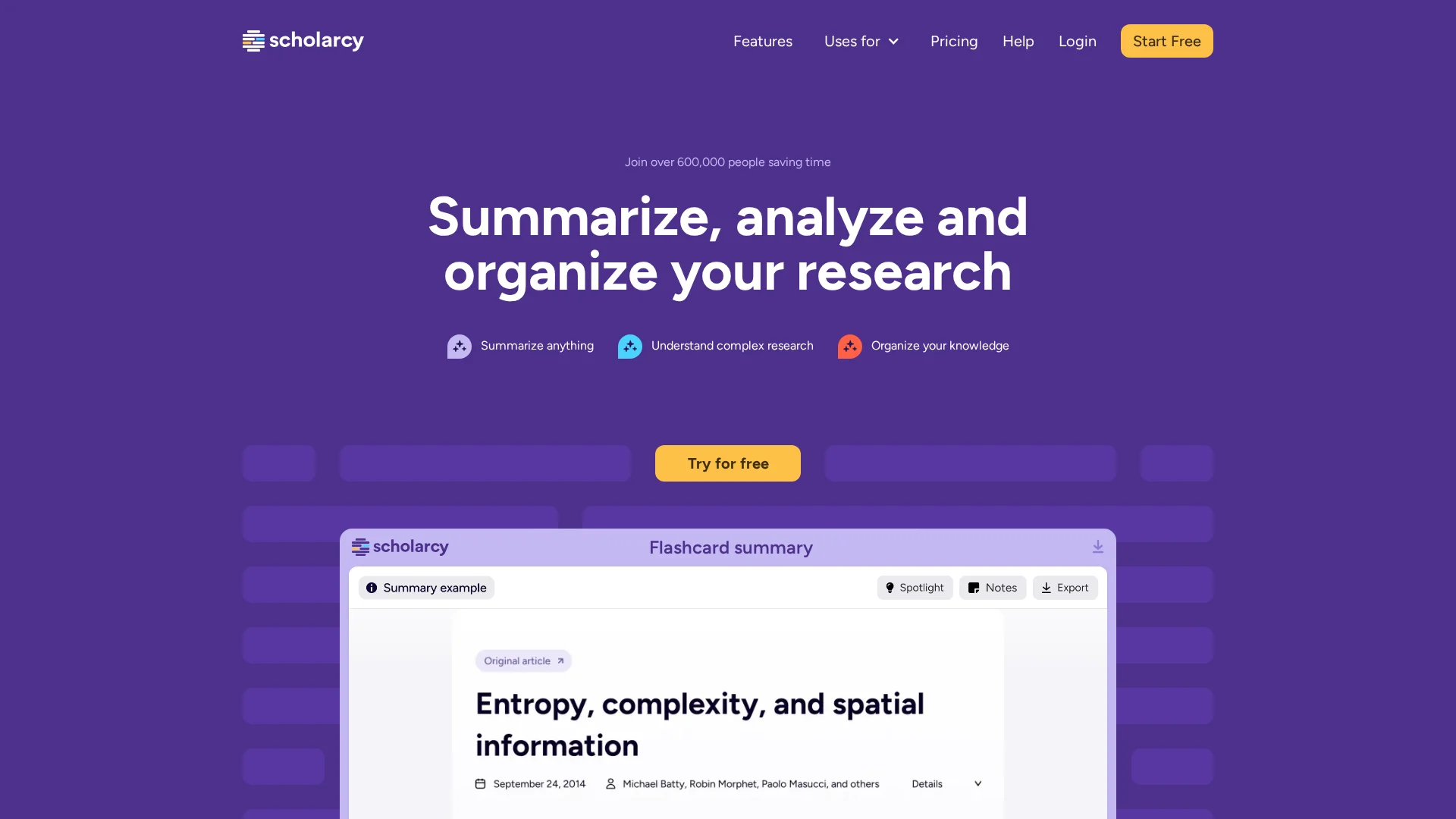
Scholarcy turns papers into structured flashcards for screening across a review. Its reading guide describes summaries, key concepts, references, tables, and figures. Use these as prompts for checking study details in the original document.
How can you review methodology with each tool?
When is a conversational question the better starting point?
Use ChatPDF when the method is unclear. Ask: “What was the sample?”, “Which variables were controlled?”, and “Where are exclusions stated?” Its answers link back to the PDF, so you can inspect the exact passage in the side-by-side reader. This direct link helps you verify each method detail quickly.
Verify every answer against the Methods section, tables, and appendix.

When does a structured flashcard prevent repeated work?
Choose Scholarcy when screening many papers with the same fields. Its flashcards give each paper a consistent starting record. They save key details for later review. Scholarcy also stores references, figures, and tables in its library.
- Capture design, sample, measures, and limits
- Reopen the paper before citing any detail
Also Read: Are AI Summaries Killing Deep Reading? Here's What the Science Says
Which workflow fits dense or ambiguous methods?
Which details still need a human check?
ChatPDF's source-linked questions can help locate a passage to inspect. Scholarcy's flashcards and extracted tables and figures can help organize a review. Neither format proves correct extraction. Verify design, participants, measures, exclusions, analysis, and limitations against the original evidence.

Why do dense layouts need closer checking?
Two-column pages, footnotes, and table notes can split a method across the file. Check the supporting passage alongside tables, captions, footnotes, and appendices. Missing evidence should remain unresolved, rather than being filled in from a plausible answer.
Scholarcy's export guide describes downloading extracted tables to Excel. Its reading guide notes that table and figure sections may be absent when none were found; that does not establish that the original paper contains none.
Also Read: Blog: notes on reading and understanding | Omphalis
How do you turn one paper into a methods comparison workflow?
Turn one paper into a repeatable record, then compare records across your review. ChatPDF supports cited answers beside the PDF, so use it to locate exact methods pages before you judge the claim (ChatPDF).
- Ask for sample, setting, measures, analysis, and limits.
- Open every cited page and correct missing detail.
- Move verified fields into one table.
| Field | Record |
|---|---|
| Sample | Size, source, exclusions |
| Method | Design, measures, analysis |
Warning: A clean extraction is not proof. Read tables, appendices, and method notes yourself.
Also Read: 7 Mistakes You're Making with AI Note-Taking Apps (and How to Fix Them)
Which should you choose: ChatPDF or Scholarcy?
Choose ChatPDF when you want to ask a specific question and want to check it against the cited PDF passage. Its side-by-side citations make that easier.
Choose Scholarcy when screening many papers and comparing structured notes, tables, and references across a review.
| Need | Better fit |
|---|---|
| Probe one paper's methods | ChatPDF |
| Build a repeatable screening record | Scholarcy |
Verify sample size, exclusions, and outcome measures in the original paper before reusing any extraction.
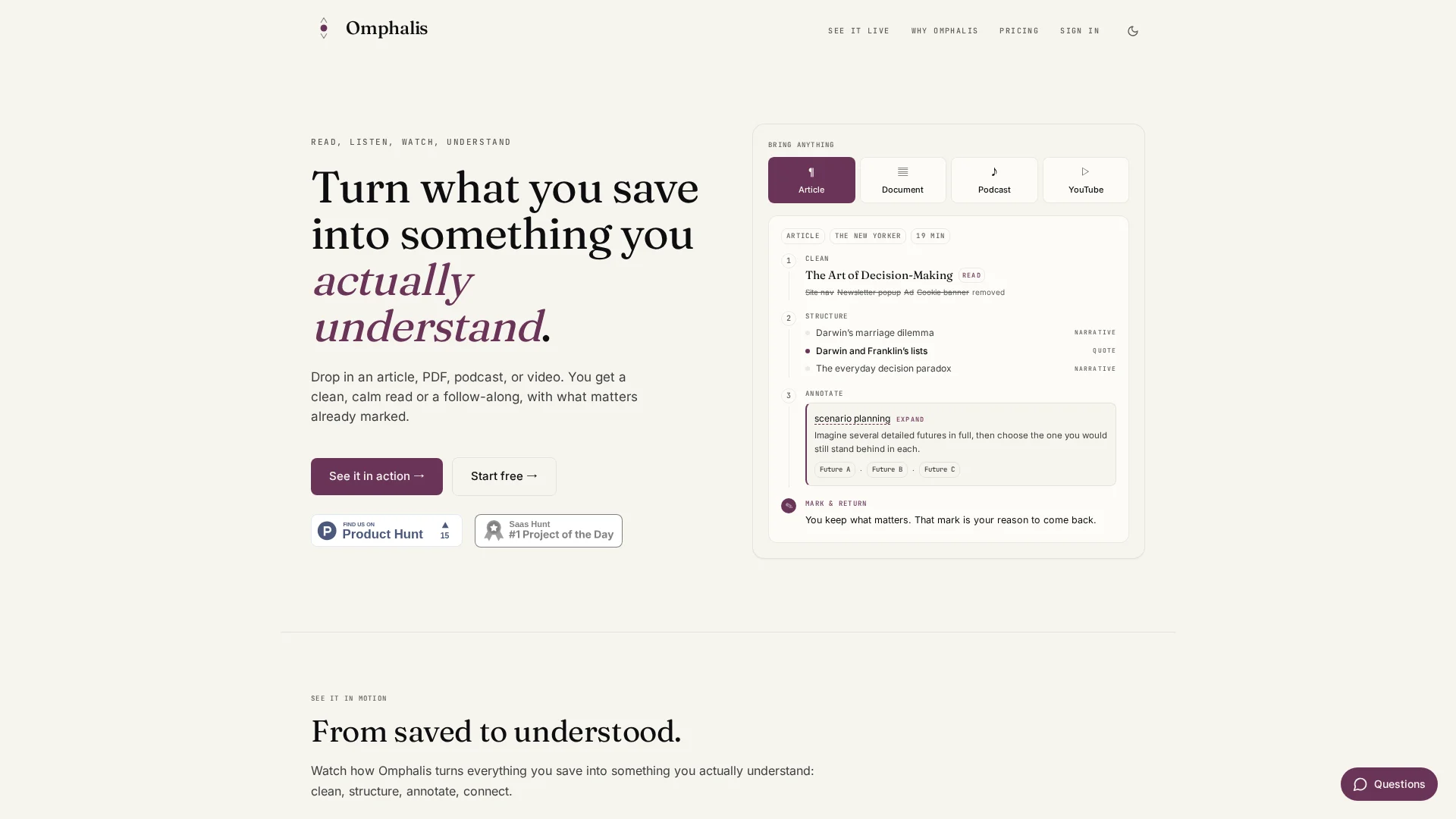
Keep methods, notes, and source context together. See reading research papers in Omphalis for a workflow built around close reading, marked evidence, and revisiting source context.
Frequently asked questions
What should I record from a methods section?
Record the study design, participants, measures, exclusions, analysis, and limitations. Attach a page, section, table, or appendix location to each field so you can reopen the evidence. Mark missing or ambiguous details as unresolved.
How should I check a generated answer?
Open the supporting passage and inspect relevant tables, captions, footnotes, and appendices. Check that the evidence supports the whole answer, including qualifiers and exclusions. If evidence is missing, leave the claim unresolved rather than treating the generated answer as confirmation.
Should I use questions or structured flashcards?
Questions help you investigate a specific uncertainty and follow its cited passage. Structured flashcards give you recurring sections to review across papers. Choose the format that fits the task, then verify every detail you intend to reuse against the original paper.
Conclusion
ChatPDF helps you probe one paper with cited answers. Scholarcy offers a structured flashcard workflow. Verify every method detail in the original PDF before reusing it in a review.