A YouTube video summarizer answers the wrong question: what to keep from a 3-hour lecture
Updated · 9 min read
Listen to this post
Contents
- 1. Keep the timestamps
- 2. Keep the turns in the argument
- 3. Keep the signposts of emphasis
- 4. Keep the steps that were skipped
- 5. Keep the examples that make an idea usable
- 6. Keep the qualifications and evidence
- 7. Keep your own margin moments
- A map, not a smaller lecture
- Frequently asked questions
- What should a YouTube video summarizer keep from a long lecture?
- Can an AI video summarizer replace watching a lecture?
- How can I understand a long video lecture more deeply?
- How do I find my notes again after a long lecture?
Read the turns. Mark what matters. Leave yourself a way back.
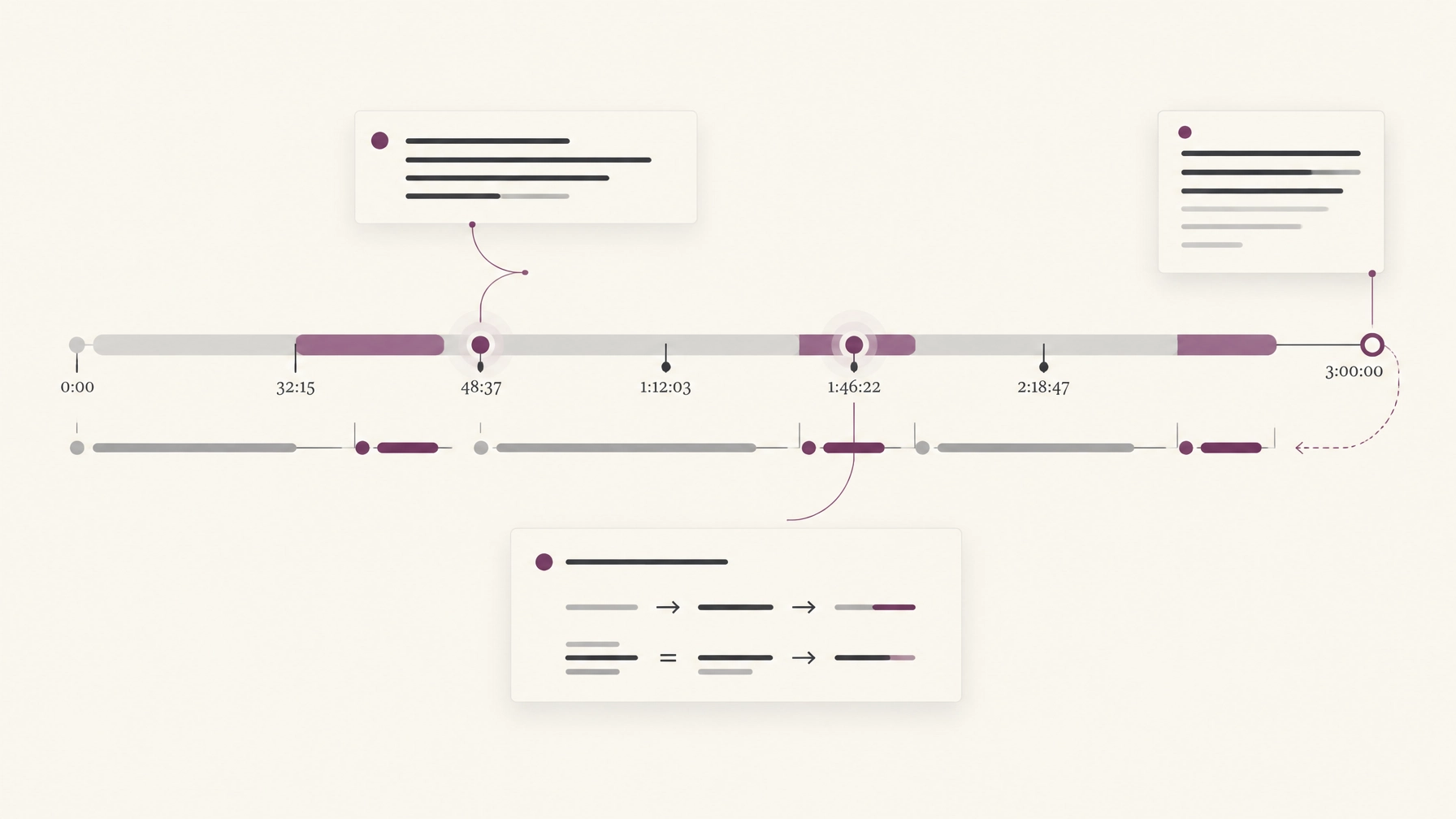
A three-hour lecture is not valuable because it takes three hours. It is valuable for the movement inside it: a claim gives way to a complication; a definition makes a later argument possible; a derivation moves through steps that may be easy to miss.
A typical YouTube video summarizer is asked to make the lecture shorter. It may return a tidy paragraph or a list of key points. That can help you decide whether a video is relevant. But if you want to learn from it, a shorter version may leave out the very things you hoped to remember.
The better question is not only What was said? It is What should I keep, and where can I return to it?
Here are seven parts of a long lecture worth keeping. A paragraph-length AI video summarizer may mention some of them. Compression alone, however, rarely preserves their relationships, context, and place in the original video.
In short: a summary tells you what a lecture was about. To learn from it, keep the timestamps, the turns in the argument, the lecturer's emphasis, the steps that were skipped, the examples, the qualifications and evidence, and your own notes, each tied to the moment it came from.
1. Keep the timestamps
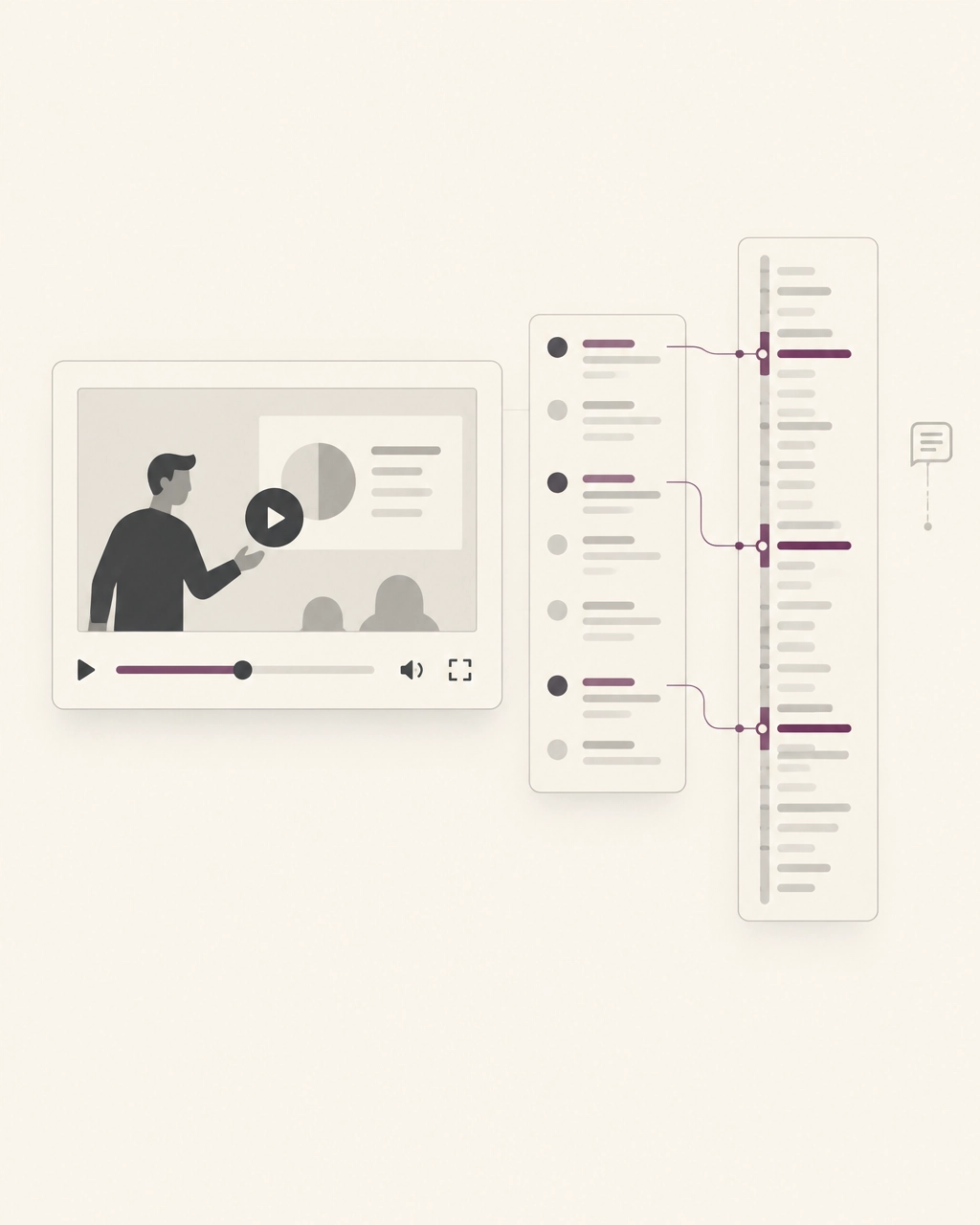
A timestamp is more than a location. It is a route back to the speaker's explanation, the slide on screen, or the point where an idea first made sense.
If a lecturer gives a definition at 18:40 and uses it to make a more difficult point at 42:15, both moments matter. A summary might retain the definition but lose where it came from and how it was used.
For understanding a long video lecture, keep chapters and meaningful moments linked to their timestamps. Then, when an exam question or research problem brings the idea back, you can revisit the source instead of trusting a line detached from it. We walk through building that kind of map in how to actually understand a long video lecture.
A timestamp turns "I remember this was in there" into a way back.
2. Keep the turns in the argument
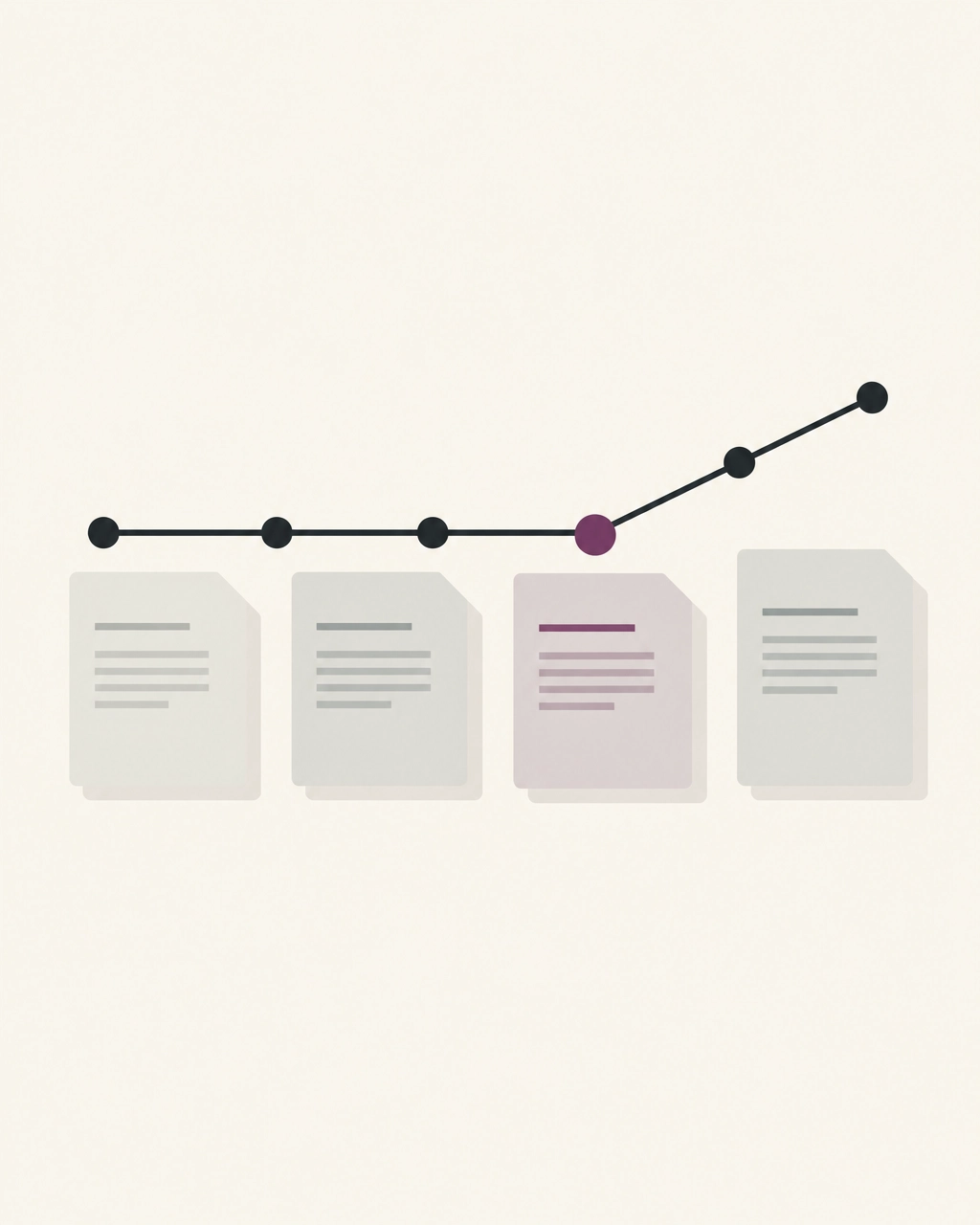
Lectures have direction. A professor may introduce a common explanation, show where it fails, then offer a more precise account. The pivot is often more useful than either claim on its own.
A compressed summary can preserve the conclusion while smoothing over the change in reasoning. But the turn tells you why the conclusion matters. It also helps you distinguish an idea the lecturer is considering from one they ultimately defend.
When you mark a turn, note what changed: the claim, the evidence, or the question being asked. That small bit of structure helps you reconstruct the lecture's logic later.
3. Keep the signposts of emphasis
"This will be on the exam." "Notice what happens here." "This distinction matters."
These phrases are useful cues, not automatic proof that a point deserves to be memorized. The lecturer's emphasis can help you decide where to pay attention, but your own purpose still matters: perhaps you are preparing for an exam, writing a paper, or trying to understand a concept well enough to use it.
A summary may list a fact without preserving the cue around it. Keep the cue with its moment. Ask what the lecturer wants you to notice, and whether it connects to another part of the argument.
The emphasis points toward a moment. It does not do the thinking for you.
4. Keep the steps that were skipped
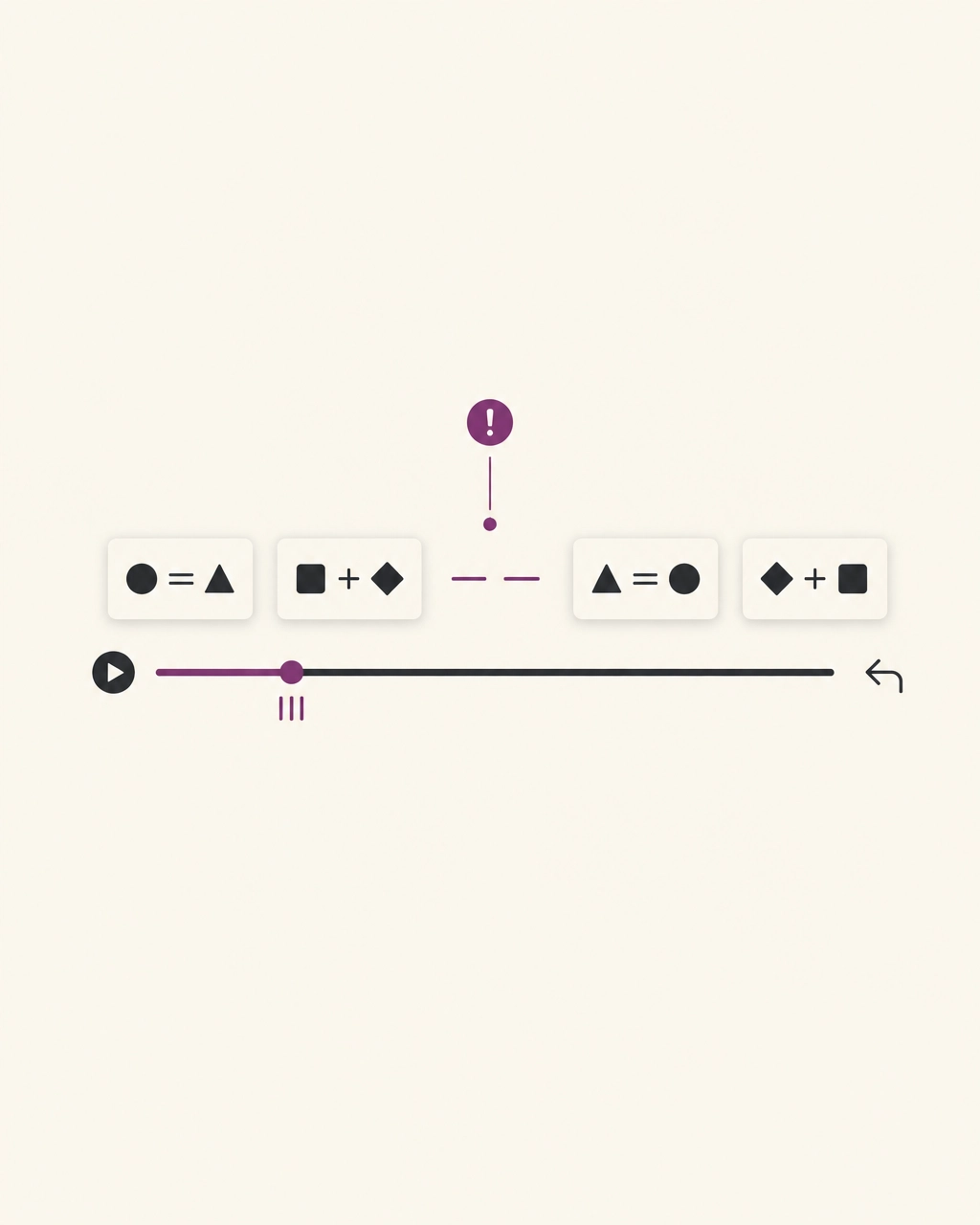
A lecturer writes one line on the board, says "so we get this," and moves on. If the missing step is where your understanding breaks, the final equation will not repair it.
A YouTube video summarizer working from spoken words may report the result and miss the gap entirely. Even with a transcript, equations, diagrams, demonstrations, and gestures may carry information the words do not. Omphalis's YouTube talk reader makes spoken material available as a timestamped transcript, but the original video remains important when visual details matter.
When a step is unclear, mark the point and write a question in your own words: What assumption allows this transition? Which term was substituted? Then return to that timestamp. A marked gap is not a failure. It is a precise place to continue learning.
5. Keep the examples that make an idea usable
A lecture may offer several examples, but they do different work. One illustrates the basic rule; another shows its limits; a third connects it to a real situation.
A summary that keeps the rule but drops the example can leave you with a statement that feels familiar but is hard to apply. Keep the example that helped you see what the idea means in practice, and note why it helped.
You do not need every anecdote. You need enough of the right examples to recognize the concept when it appears in a different form.
6. Keep the qualifications and evidence
"Usually" is not "always." A result from a small study is not a universal rule. A lecturer may say that a model works under certain conditions, then spend a few minutes explaining the exceptions.
Those qualifications are easy to lose when a long explanation is compressed into confident bullet points. So are the source, figure, number, or comparison that lets you check a claim.
This is one reason a summary should be treated as an orientation, not as the record of what happened. A 2014 study of 6.9 million video-watching sessions on edX found that viewing patterns varied with video length and production style. Its authors measured engagement through proxies, time watched and attempts at the problems after each video, rather than measuring learning directly (Guo, Kim and Rubin, 2014). Read the study and its limitations before carrying its findings into a broader claim.
Keep the evidence beside the claim. Keep the caveat beside the evidence. That is how a useful note stays honest.
7. Keep your own margin moments
A lecture becomes part of your thinking when you notice something: a question you want to pursue, a connection to another paper, a disagreement, or a sentence you know you will need later.
Generic takeaways cannot know which of those moments mattered to you. A note such as "compare this with the definition in week two" may be more valuable than a polished summary of the entire lecture, because it preserves the path between this material and something you already understand.
There is research behind the value of returning to material through questions, though it should be applied with care. In a 2025 study, students watched a lecture split into three segments of about five minutes. Answering short questions about the segment they had just watched helped them learn the next segment better than reviewing it did, and the authors say they cannot extend the finding to lectures of one to two hours (Assadipour, Ahn and Chan, 2025). The practical lesson is modest: try recalling an idea in your own words, then return to the relevant moment to check it.
An annotation is not a verdict. It is a record of your attention: a question, a choice, a reason to return.
A map, not a smaller lecture
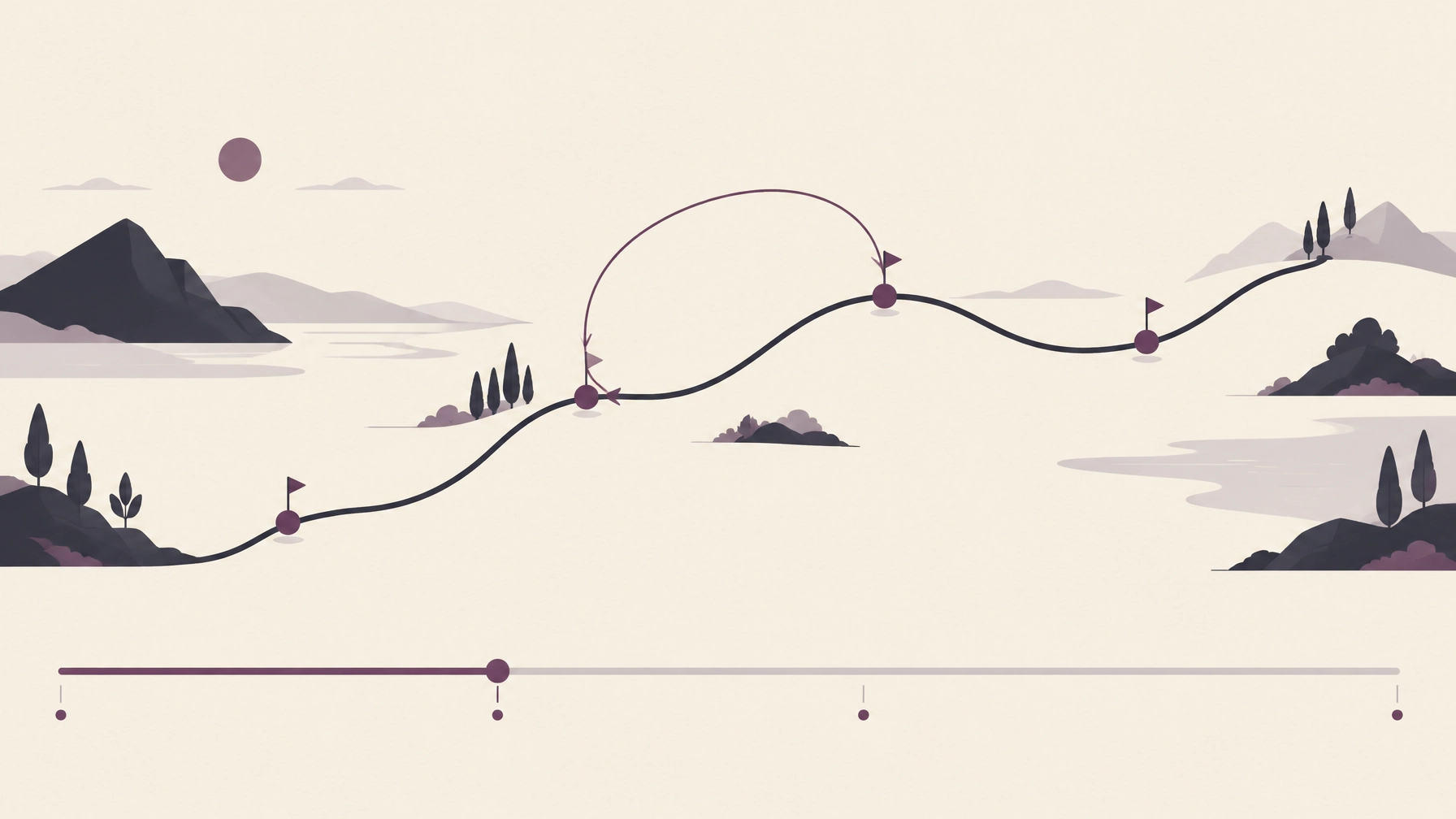
A good summary has a place. It can offer a first orientation before you decide whether to watch, read, or study more closely. But shortening a lecture is not the same as understanding it.
For a long video, a more useful companion helps you see the structure, locate the turns, mark the parts worth keeping, and return to the original when you need detail. The work of interpreting the lecture remains yours.
Omphalis supports that kind of active reading: it offers a way to work through YouTube talks as transcripts, pause over unfamiliar terms, and keep notes tied to the passages you chose. You can learn more about the YouTube reader or explore how Omphalis approaches comprehension.
A lecture is not a paragraph waiting to be made smaller.
It is a path worth being able to follow again.
Frequently asked questions
What should a YouTube video summarizer keep from a long lecture?
At minimum: timestamps, argument turns, emphasis cues, skipped reasoning steps, useful examples, qualifications and evidence, and notes that reflect what the viewer wants to remember or investigate. A summary can orient you, but these details help you return to the lecture and check the source.
Can an AI video summarizer replace watching a lecture?
Not reliably. A summary can help you decide where to begin or what to revisit, but it may omit visual information, the sequence of an argument, or details that matter to your purpose. For diagrams, demonstrations, equations, and context, return to the original video.
How can I understand a long video lecture more deeply?
Use a chapter map to find your way through it. Mark a few specific moments, write questions in your own words, and revisit the timestamps to check your understanding. Treat automated summaries as a starting point, not a substitute for engaging with the material.
How do I find my notes again after a long lecture?
Tie each note to a timestamp and write it in words you would search for later, such as the term or question it answers. Then a search for that word brings you back to the moment in the lecture, not just to a line in a list. For the marking itself, see how to annotate YouTube videos.