Notebook App or Reading Companion? What "AI note taking app" Actually Buys You
Updated · 10 min read
Listen to this post
Contents
- Two different jobs
- 1. Storage-first: organize what you captured
- 2. Consumption-first: mark what matters while reading
- Where each tool wins, and where it can fall short
- Why the mark matters
- Try the six-week test
- FAQ
- What is the difference between an AI note taking app and a reading companion?
- Is an AI second brain enough on its own?
- Can I use a notebook app and a reading companion together?
- How can I tell which tool my reading process needs?
- Choose the job, not the label
Keep the note. Keep the passage. Know which one you need.
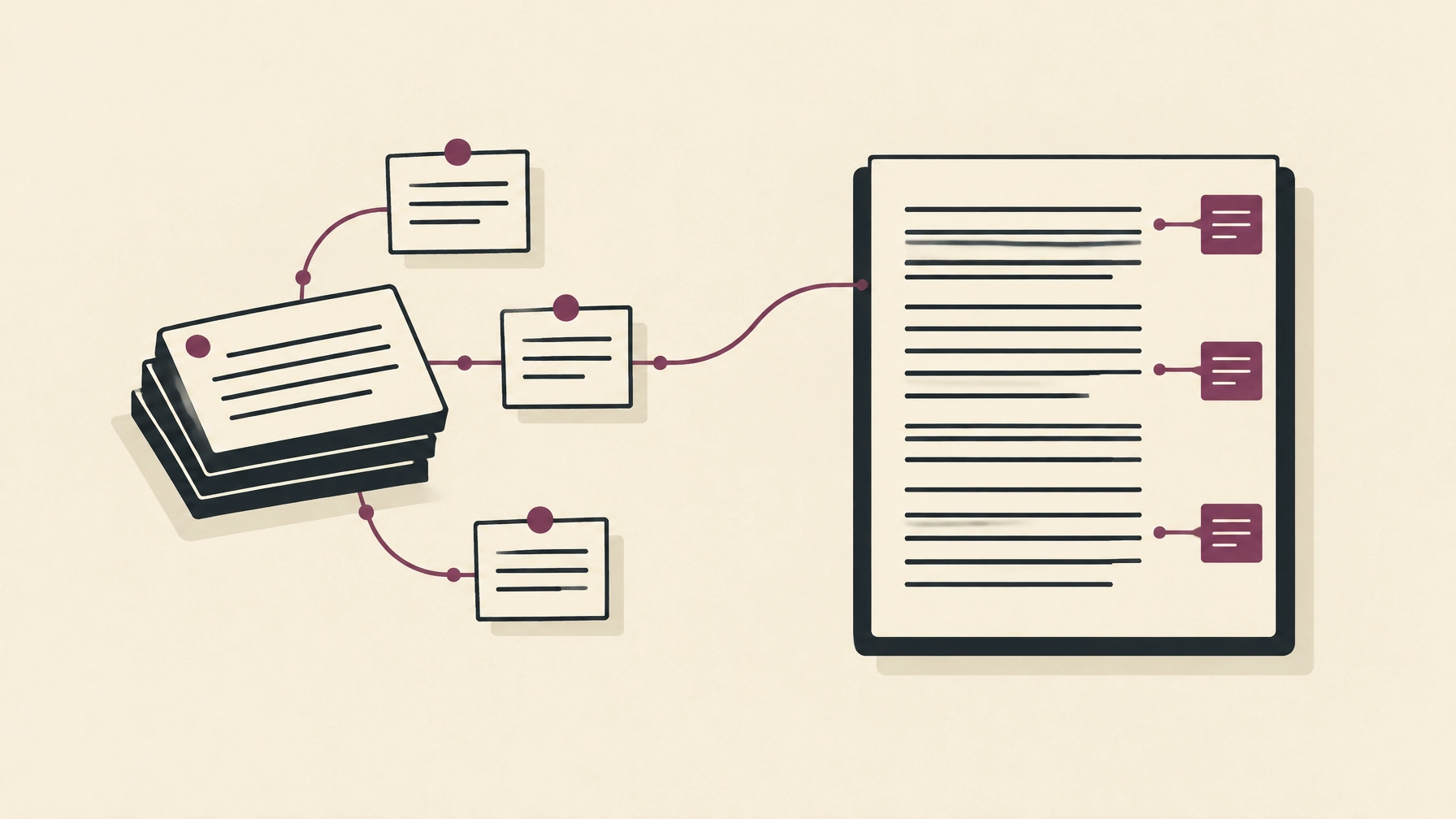
A notebook helps you organize what you have captured. A reading companion helps you notice and mark what matters while you are still with the source.
Both can be useful. They solve different problems.
The distinction matters when you search for an AI note taking app or an AI second brain. Those phrases can describe tools that collect notes, links, documents, and ideas, then help you search or connect them. But a larger, smarter archive does not automatically preserve the context that made an idea worth saving.
A simple test makes the difference visible: think of a document you read six weeks ago, and a sentence from it you now need to quote accurately. Where would you go? And what would you find there?
Two different jobs
A note-taking app is a place to keep and arrange information. You might write meeting notes, clip an article, tag a passage, or connect one idea to another. An AI layer can help search those materials, answer questions across them, or suggest connections.
That is a valuable job. A researcher may need to compare observations across papers. A project team may need decisions and meeting notes in one place. A student may want a dependable record of lecture notes and sources.
A reading companion begins somewhere else: inside the article, paper, transcript, or video you are working through. It helps you follow the structure, understand a difficult passage, and attach your own mark to the exact moment that prompted it.
One starts with the record. The other starts with the reading.
Neither replaces the other.
1. Storage-first: organize what you captured
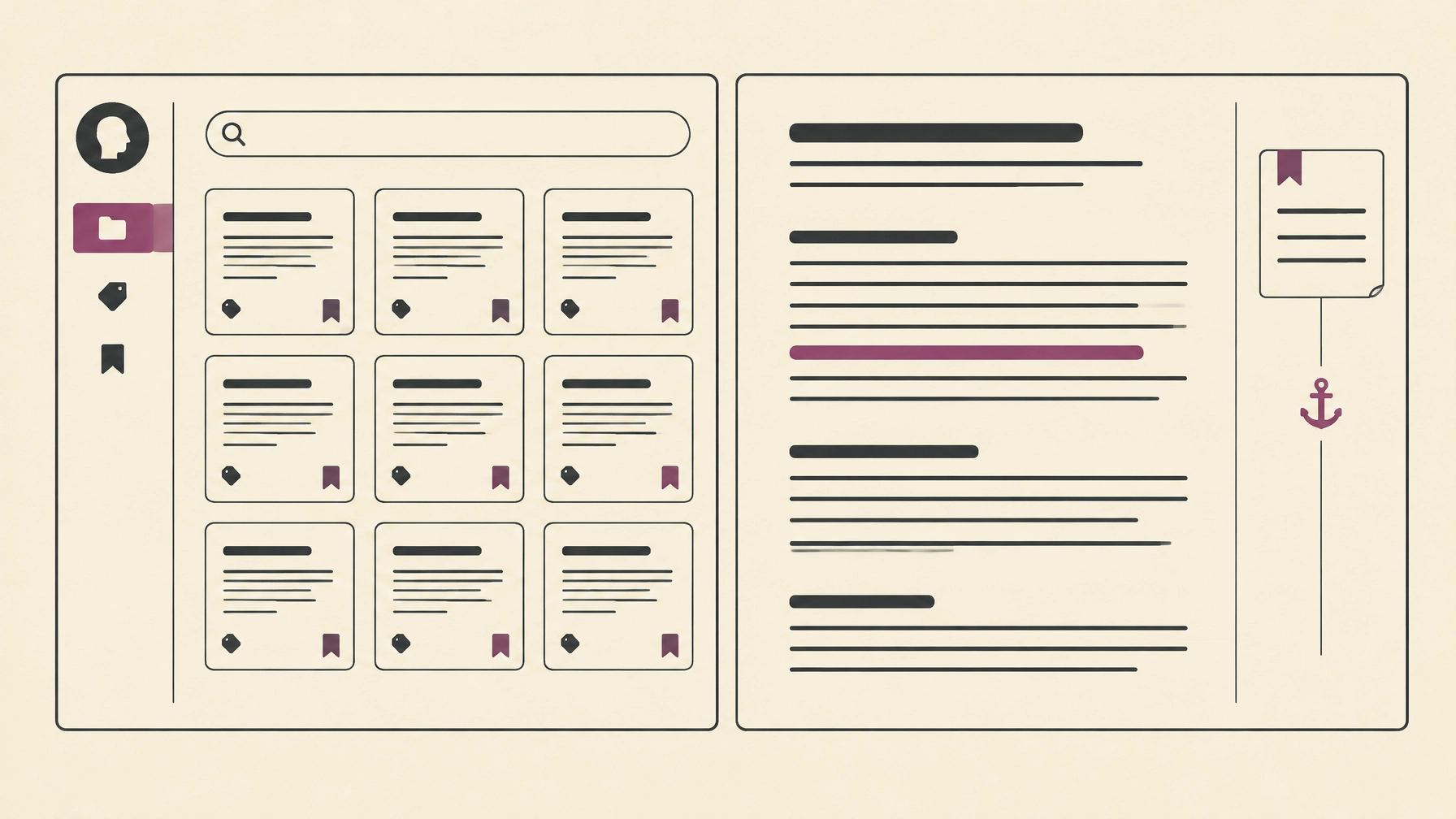
Storage-first tools are built to gather material and make it findable later. You can save a web page to Notion, clip and highlight pages into an Obsidian vault, or use a research notebook such as NotebookLM to ask questions across a set of sources.
Their strength is breadth. A library can hold notes from meetings, useful links, documents, and ideas from different projects. Search and tagging help you navigate it. AI may help you ask a question in your own words instead of remembering the exact title or phrase.
This is especially useful when the task is after reading: bring several sources together, draft a briefing, find an old decision, or explore a theme across a growing collection. An AI-enabled notebook can help you move from fragments toward a working overview.
But each saved item carries only the context that was captured with it.
If you saved an article as a link, a clipped page, or a handful of copied paragraphs, the archive may not tell you what caught your attention, where the argument turned, or why that particular sentence seemed worth keeping. Some note systems support detailed annotations and links back to sources; the question is whether you actually made those links and marks at the time.
That is the quiet pressure on a growing AI second brain: it can make stored information easier to retrieve, but it cannot reliably reconstruct a reason you never recorded. The library grows. So does the work of rediscovery.
2. Consumption-first: mark what matters while reading
A reading companion puts the source first. It works while you are reading, listening, or watching, not only after you have finished.
You can follow the sections of a long paper, open help beside a difficult paragraph, and leave a note attached to a passage. Instead of copying a quotation into a separate notebook and hoping it remains findable, you preserve the place where your attention stopped.
This is not a claim that every sentence should be annotated. Most do not need to be. The point is to mark a few moments that carry your own judgment: this is the claim; this is the caveat; I want to check this against another source.
A companion can help map the structure and clarify a dense passage. It cannot decide what you believe, whether an argument is convincing, or which passage deserves a place in your work. Those remain reader decisions.
Omphalis is built for this part of the process. It helps readers work with the structure of articles, PDFs, podcasts, and videos; keep personal marks tied to the source; and return to those marks later. Reading comprehension describes the in-document workflow, while synthesizing sources covers the work of connecting ideas across material you have marked.
The distinction is not “AI versus no AI.” It is whether the system helps you engage with a source before you leave it, or helps you make sense of material you already collected.
Where each tool wins, and where it can fall short
| The task | Note-taking app or second brain | Reading companion |
|---|---|---|
| Capture meeting notes and personal thoughts | A natural fit: create, organize, tag, and connect your own notes. | Not its main purpose. |
| Search across a broad library | Often a strength, especially when you have many sources and notes. | Can support return to marked sources, but is not necessarily a general-purpose archive. |
| Understand one dense source | May help answer questions about stored material; the reading experience varies by tool. | Its central job: stay with the document, notice its structure, and work through difficult passages. |
| Preserve why a passage mattered | Possible when you deliberately annotate and keep the source link. Easy to miss if you only save the item. | A mark can stay attached to the passage that prompted your note. |
| Connect ideas across sources | Useful for synthesis across a growing collection. | Can support connections based on your marks, while keeping the original context close. |
| Quote accurately weeks later | Depends on whether you saved the exact wording and a reliable route back to its source. | Designed to make returning to a marked passage more direct; verify the wording against the original before quoting. |
The table describes the jobs these tools tend to serve, not a rule about every product. Some apps combine reading and note-taking features. A note-taking app may have a capable reader; a reading companion may keep notes and support connections. What matters is how well the tool fits the moment you are trying to support.
Why the mark matters
A saved page says, “I may need this.” A highlight says, “This part drew my eye.” A short note can go further: “This is the assumption I want to test,” or “This result contradicts the paper I read last month.”
That small act gives the future search something better than a title or a keyword. It preserves your reason for returning.
Walter Kintsch’s construction–integration model describes comprehension as building and integrating a representation of a text. In the paper, he writes: “Discourse comprehension, from the viewpoint of a computational theory, involves constructing a representation of a discourse upon which various computations can be performed” (Kintsch, 1988). A reading tool cannot build that understanding on your behalf. It can, however, make it easier to notice the structure and leave a path back to the parts you interpreted.
A notebook is still the right place for the idea you have already made your own. A companion supports the earlier step: meeting the idea in context, deciding what you think, and marking what deserves to travel with you.
“Taking a memory test not only assesses what one knows, but also enhances later retention,” write Henry Roediger and Jeffrey Karpicke in their study of retrieval practice (2006).
Their finding is not a product comparison, and it does not mean a highlight is a test. It points to a useful distinction: seeing information again is not the same as actively recalling or working with it. A tool that helps you return to a passage can support that work; it does not do the remembering or interpreting for you.
Try the six-week test
Choose an article or paper you read about six weeks ago. Imagine you need to quote a sentence from it accurately for a report, a class, or a conversation.
Ask yourself:
- Can I find the source without remembering its exact title?
- Can I get back to the passage, not just a summary or a copied excerpt?
- Can I see what I thought about it at the time?
- Can I check the wording against the original before quoting?
If the answer to the first question is no, your main need may be better capture and retrieval. If you find the source but cannot remember why you saved it, or where the sentence sat in the argument, your process may need more source-anchored marking. If you can do both, the gap may be smaller than you thought.
For an honest test, try your existing notebook first. Then try the same source with a reading companion. Compare not the number of features, but what you can actually retrieve.
A knowledge extraction tool can make information easier to search, structure, or connect. Still, extraction is only as useful as the context it preserves. A short answer may help you orient yourself; a personal mark beside the source may help you check what you meant.
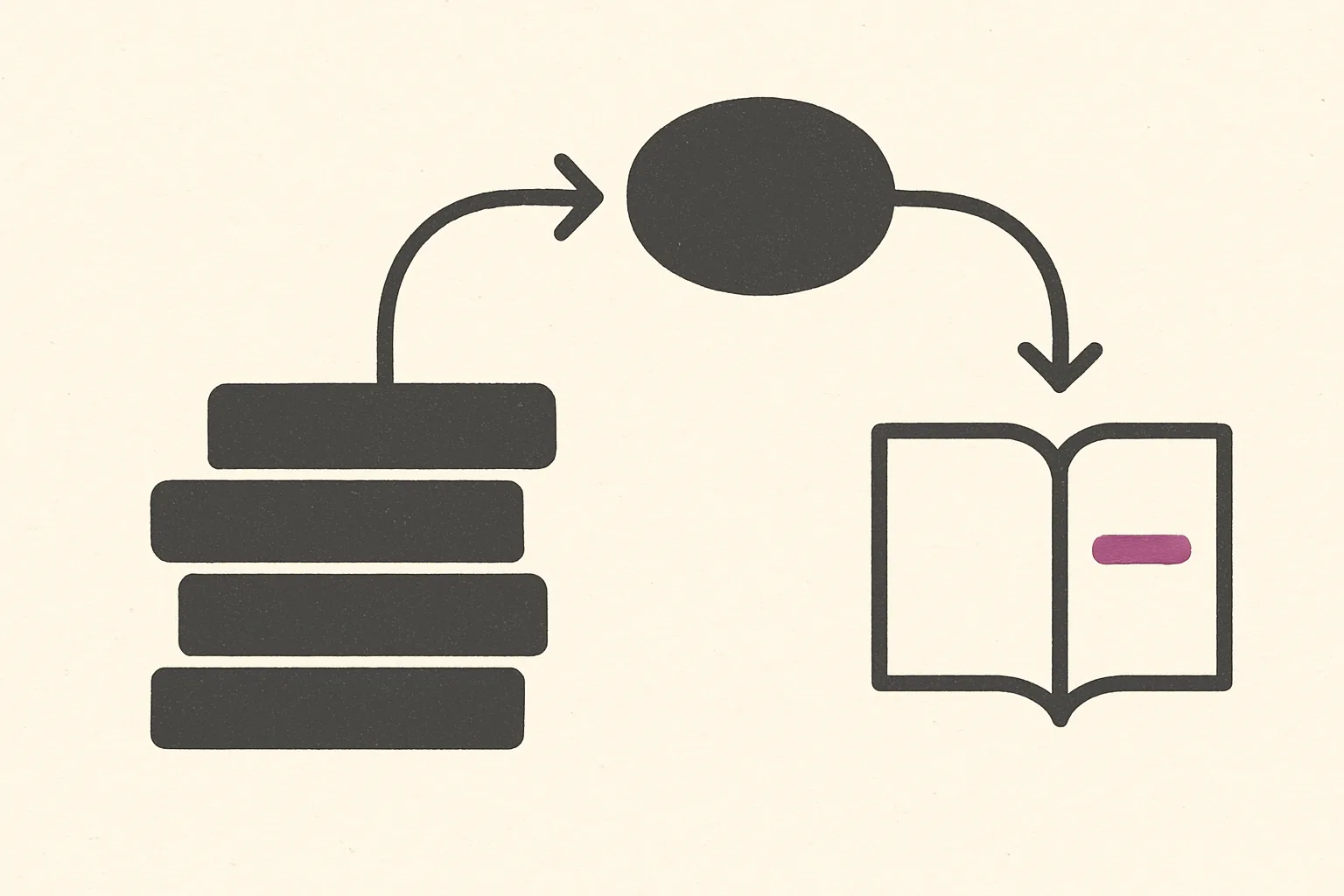
In short: a note-taking app organizes what you have already captured, while a reading companion helps you mark what matters while you are still with the source. Pick the tool for the job in front of you, and use both if your work spans reading and synthesis.
FAQ
What is the difference between an AI note taking app and a reading companion?
An AI note taking app starts with the record: it stores notes, links, and documents and helps you search or connect them. A reading companion starts with the source: it helps you follow a document's structure and attach your own marks to the passages that prompted them.
Is an AI second brain enough on its own?
It can be, if your main need is capture and retrieval across a broad library. It cannot reliably reconstruct why you saved something if you never recorded that reason, so a growing archive can still leave you rediscovering your own material.
Can I use a notebook app and a reading companion together?
Yes. Read and mark in context, then carry selected ideas into the notebook where you plan, write, or synthesize. Each tool does a different job, and many readers need both.
How can I tell which tool my reading process needs?
Try the six-week test above. If you cannot find the source, work on capture and retrieval. If you find it but cannot see why you saved a passage or where it sat in the argument, add source-anchored marking.
Choose the job, not the label
Keep a notebook app if your daily work is capturing decisions, writing notes, or connecting ideas across a collection. Keep a reading companion if you often sit with difficult material and want to understand it before you move on.
And if you do both, you do not have to choose one home for all your thinking. Read and mark in context. Carry selected ideas into the notebook where you plan, write, or synthesize. Let each tool do the job it is good at.
The archive helps you find what you kept.
The margin helps you remember why. Explore how Omphalis supports reading and return.