Matter Review: Is It Good for Saving and Revisiting Articles?
Updated · 6 min read
Listen to this post
Contents
- Saving and Reading Articles in Matter
- Capture Quality Across Articles, Newsletters, and PDFs
- Reading, Listening, and Highlighting
- Can Matter Become a Personal Knowledge Library?
- Tags and Search Help, but They Do Not Create Structure
- Highlights, Notes, and Exported Knowledge
- Matter Pros and Cons for Serious Readers
- Is Matter Good for Saving and Revisiting Articles?
- Who Should Choose Matter, and Who Should Look Elsewhere?
- Frequently Asked Questions
- Q1: What are the pros and cons of using Matter for saving articles?
- Q2: How does Matter compare to other read-it-later apps?
- Q3: Is Matter good for building a personal knowledge library?
- Conclusion
Quick Summary: Matter excels at saving and reading articles, especially on Apple devices, with clean text, audio, and highlights. However, it falls short for deep research because it lacks robust linking between sources and notes. Choose Matter for focused reading, but pick Omphalis when you need articles connected to PDFs and later decisions.
Saving a newsletter essay takes one tap. Finding the line that changed your mind six months later is harder. Matter excels at saving articles and gives you ways to revisit them, but recall is not automatic.
This Matter review tests the full loop: capture, read, highlight, search, and return with context. It focuses on the gaps that matter to researchers and serious readers, especially on Apple devices.
Saving and Reading Articles in Matter
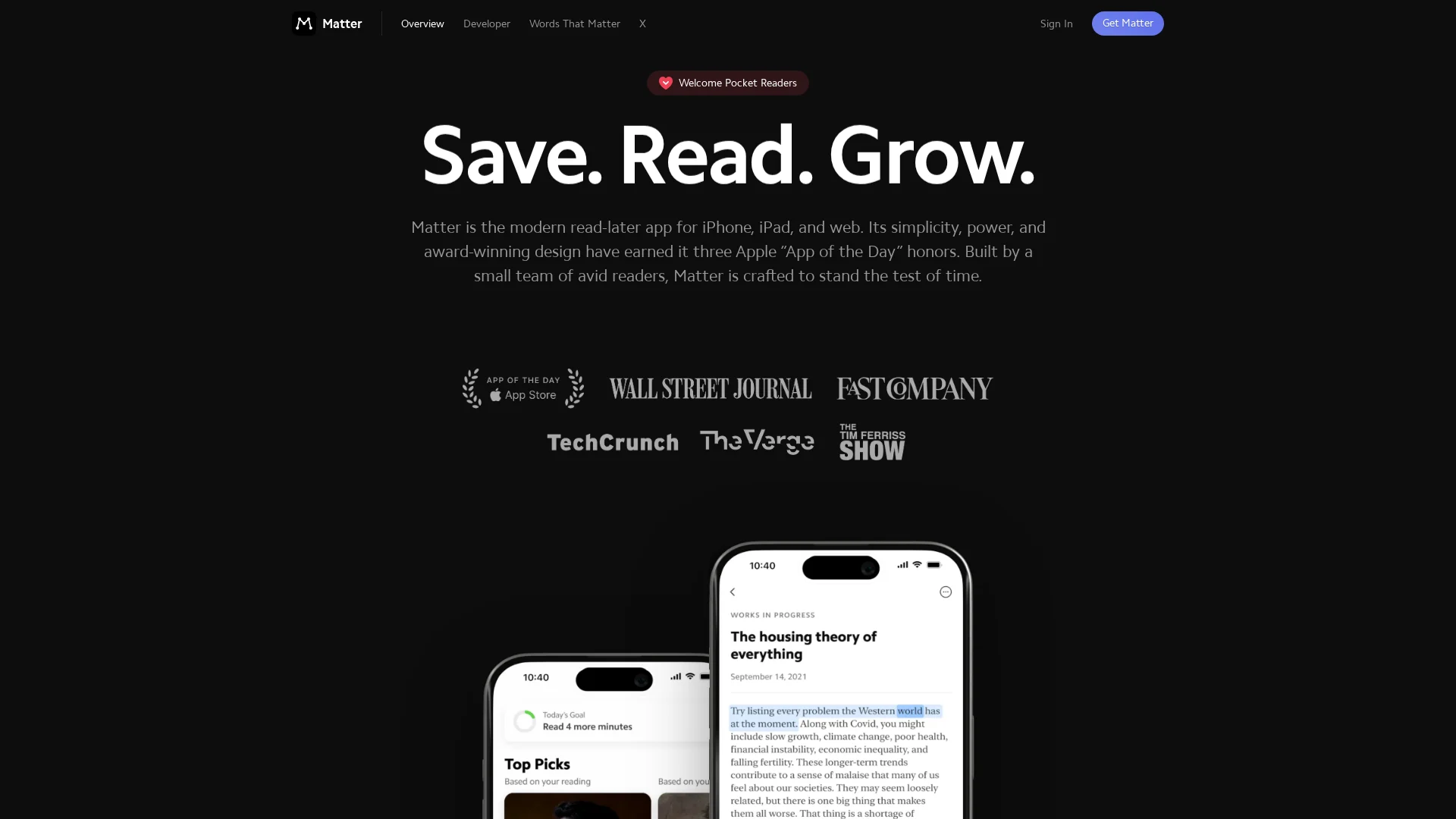
Matter makes saving quick, then gives Apple-first readers a calm place to return. Its real strength is the reading experience, not deep research work.
Capture Quality Across Articles, Newsletters, and PDFs
Save web articles, threads, and PDFs through the extension or share sheet. You can also route newsletters from Gmail into Matter. Matter says it parses saved pages for distraction-free reading and supports full-text offline search on its product site.
- Best for articles you will actually read
- Useful for paid newsletters and web clips
- Less suited to complex research libraries
Tip: Tag items by project when saving. A large untagged queue gets hard to revisit.
Reading, Listening, and Highlighting
Matter offers clean text, natural-sounding audio, and smooth highlights. You can switch between reading and listening, then export highlights to other tools. The App Store listing also lists PDF saving and note-taking.
| Need | Matter fit |
|---|---|
| Focused article reading | Strong |
| Newsletter backlog | Strong |
| Dense paper review | Fair |
| Connected research notes | Limited |
Also Read: Blog: notes on reading and understanding | Omphalis
Can Matter Become a Personal Knowledge Library?
Tags and Search Help, but They Do Not Create Structure
Matter can hold a serious reading archive. It offers tags and full-text search, including offline search, so you can retrieve articles by topic, phrase, author, or site. Matter's product page confirms those core tools.
Tags still depend on your habits. Use a small set:
- Project names for active work
- Source types for papers or newsletters
- Status tags such as read or cite
Search finds saved text. It does not show how one idea supports or conflicts with another.
Highlights, Notes, and Exported Knowledge
Matter makes it easy to mark passages and add notes while reading. You can sync those notes and highlights to Obsidian, Notion, Readwise, and other tools, or export them per article, as Matter explains.
| Need | Matter fit |
|---|---|
| Save and revisit reading | Strong |
| Find a past quote | Strong |
| Build linked research context | Limited |
For deeper research, Omphalis keeps source material, your marks, and related ideas connected in one reading workspace.
Also Read: Choosing a personal knowledge management app you will still use in a year
Matter Pros and Cons for Serious Readers
Matter is strong for focused article reading, especially on Apple devices. Its official feature list includes offline full-text search, tags, clean parsing, highlights, and audio reading.
| Pros | Cons |
|---|---|
| Polished iPhone and iPad reading | Less suited to deep research libraries |
| Easy highlights, tags, and exports | Notes can become scattered across exports |
| Useful audio and Kindle sending | Web reading is secondary to the Apple experience |

- Best for: newsletters, web essays, and articles you plan to finish.
- Less ideal for: linking claims across papers, notes, and source files.
Matter helps you revisit saved reading. It does not fully support the wider research loop of explaining, connecting, and preserving difficult material.
Also Read: Best Read-Later Apps That Actually Help You Finish What You Save (2026)
Is Matter Good for Saving and Revisiting Articles?
Who Should Choose Matter, and Who Should Look Elsewhere?
Choose Matter if you mainly save web articles and newsletters on Apple devices. It offers offline reading, tags, full-text search, highlights, and iPhone, iPad, web, and Kindle access, as listed on the App Store.

| Choose Matter if | Look elsewhere if |
|---|---|
| You want a clean reading queue | You need deep links across papers, notes, and files |
| You listen to articles | You work across Android devices |
| You revisit by tags and search | You need in-place help with hard passages |
Matter is strong for saving and reading. It is less suited to building a connected research library.
- Pick Matter for focused reading.
- Pick Omphalis when articles must connect with PDFs, notes, and later decisions.
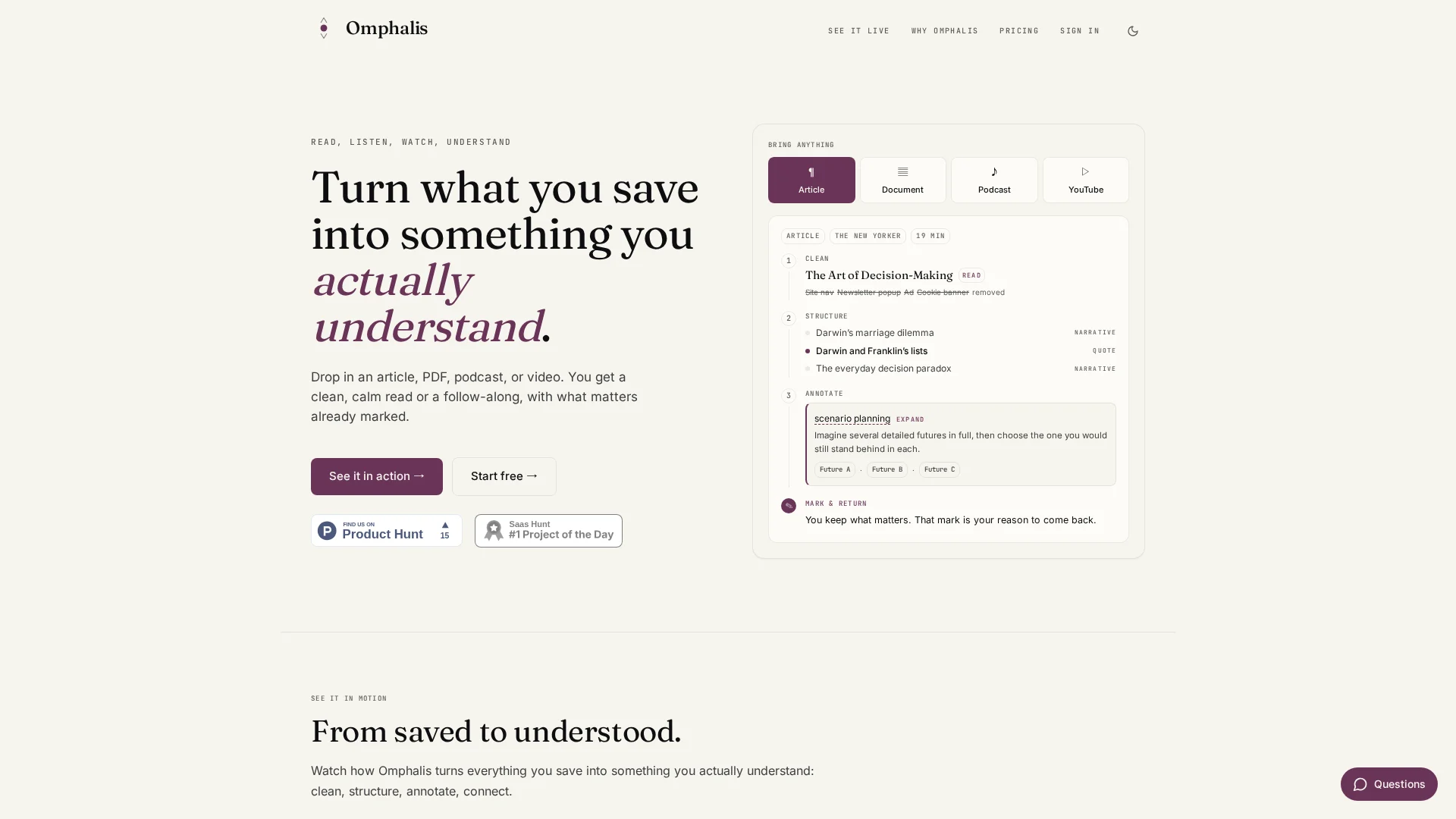
If Matter leaves you with articles you saved but cannot work through, try Omphalis. Keep reading, mark what matters, clarify hard passages, and reconnect ideas later.
Frequently Asked Questions
Q1: What are the pros and cons of using Matter for saving articles?
Matter makes saving and reading articles pleasant, especially on Apple devices. Its limits show up later: finding old ideas, linking sources, and working deeply with research material can feel thin.
Q2: How does Matter compare to other read-it-later apps?
Matter focuses on a polished reading experience. Instapaper is simpler, while Readwise Reader offers broader capture and review workflows. Choose Matter if clean article reading matters more than library depth.
Q3: Is Matter good for building a personal knowledge library?
It works for a small, current reading list. A durable knowledge library needs dependable retrieval, notes, links between sources, and support for papers and documents.
Conclusion
Matter is strong for Apple-first saving, focused reading, listening, and highlights. Its offline search and tagging help revisiting, but deep research needs a more connected workspace.