Mark It Where You'll Look For It: An Annotation Workflow for PDFs You Actually Reopen
Updated · 9 min read
Listen to this post
Contents
- Why isn't a highlight the whole note?
- What does a returnable annotation workflow look like?
- 1. Mark only what you would look for again
- 2. Write the reason while it is still clear
- 3. Keep the note attached to the exact passage
- 4. Leave a return path
- How does this work on one difficult paper?
- How many passages should you mark?
- Where can AI help, and where should it stop?
- When should you come back to your marks?
- FAQ
- How many highlights per page is too many?
- Should I write a note on every highlight?
- What should an annotation note say?
- Can an AI summary replace my annotations?
- A way back
Mark with a reason. Keep the passage in place. Leave yourself a way back.
A PDF highlight can feel like a promise: I’ll remember why this matters. Six weeks later, the yellow line is still there, but the reason may not be. You can see what you marked. You can’t quite recall what you were thinking.
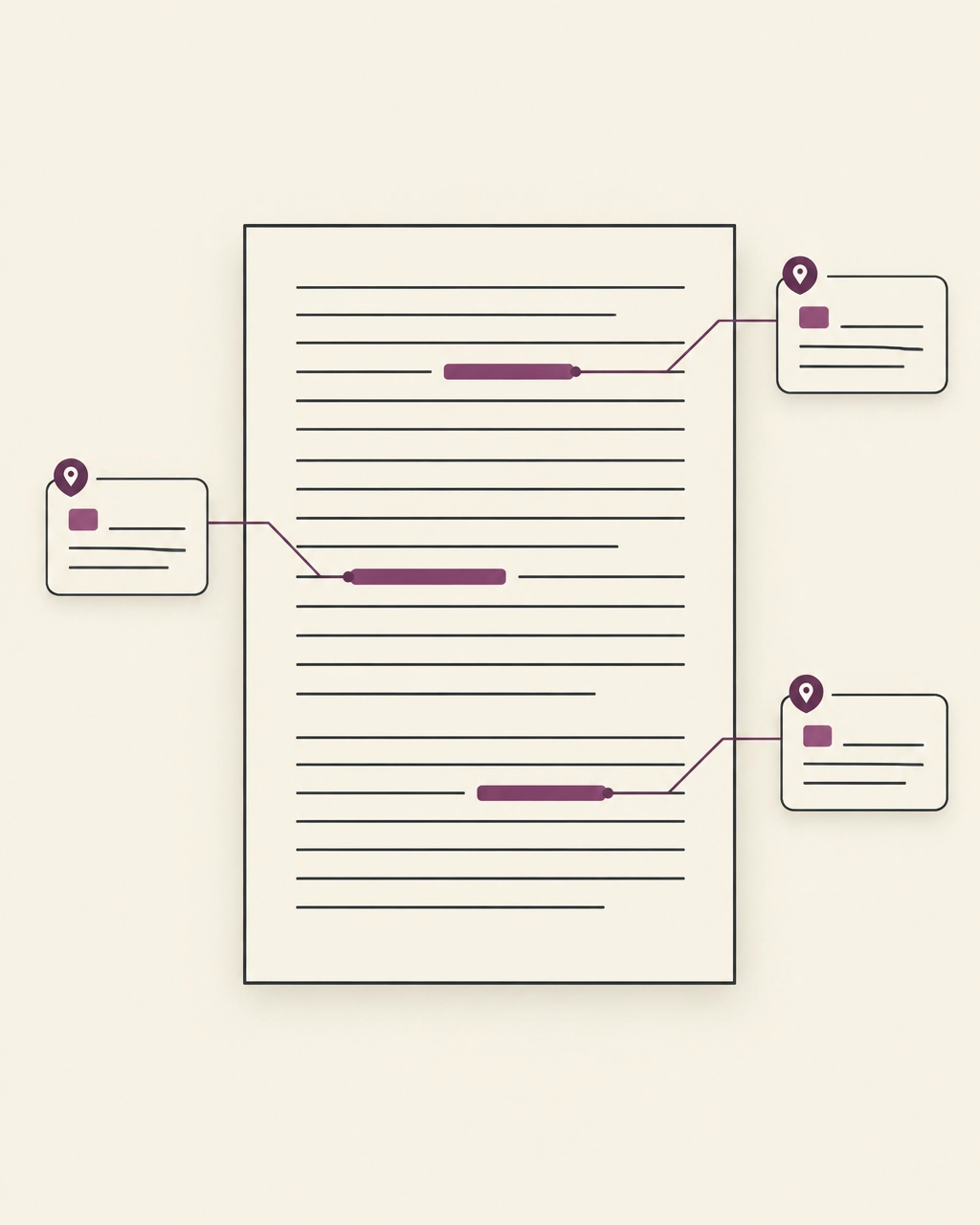
A useful annotation needs more than color. It needs your reason, attached to the exact passage, and a return path that still makes sense when the week has moved on.
This is a modest workflow for making that happen. Not a system for marking every useful sentence. A way to keep the few passages you genuinely want to find again.
Why isn't a highlight the whole note?
A highlight points to a place in the document. It does not tell you why that place mattered to you.
Perhaps the author made a claim you want to test. Perhaps a term was unfamiliar, a result challenged something you believed, or a limitation changed how you read the conclusion. The mark captures the passage. Your note captures the encounter.
That distinction matters when you return. Without a reason, you have to reconstruct the question from scratch. With a short note in your own words, you have a starting point.
“A highlight with nothing attached only proves you were there.” - Omphalis, PDF reading
The note does not need to be polished. It needs to be legible to your future self.
What does a returnable annotation workflow look like?
1. Mark only what you would look for again
Before selecting a passage, ask one small question: If I reopened this PDF next month, would I want to find this exact part?
If the answer is no, keep reading. A passage can be interesting without needing to become an annotation. You may understand it, agree with it, or enjoy the phrasing, and still not need to mark it.
Mark the definition you’ll need when comparing papers. Mark the result you may cite. Mark the caveat that limits a conclusion. Mark the sentence that raises a question you want to investigate.
The test is not whether a line seems important in isolation. It is whether you can name a future reason for returning to it.
2. Write the reason while it is still clear
Add a short note at the moment you mark the passage. Use your own words. One line is often enough:
- “Check whether this measure fits my dataset.”
- “This definition differs from the one in the review.”
- “The limitation weakens the broad conclusion.”
- “Come back to compare with the 2024 study.”
A note should add something to the passage, not repeat it. “Important” may express how the sentence feels today, but it gives little help later. “Use when explaining the sampling limit” offers a clearer route back into your thinking.
This is not a demand to write a miniature essay beside every highlight. It is a small act of explanation: name the question, connection, or purpose while it is still present.
3. Keep the note attached to the exact passage
A note separated from its source can become as puzzling as a bare highlight. Keep the passage and your reason together, with enough surrounding context to locate the claim in the author’s argument.
That context matters. A sentence can sound definitive until the next paragraph narrows it. A result can look decisive until you see how the sample was selected. Returning to the exact passage helps you check what the source says, and what you inferred from it.
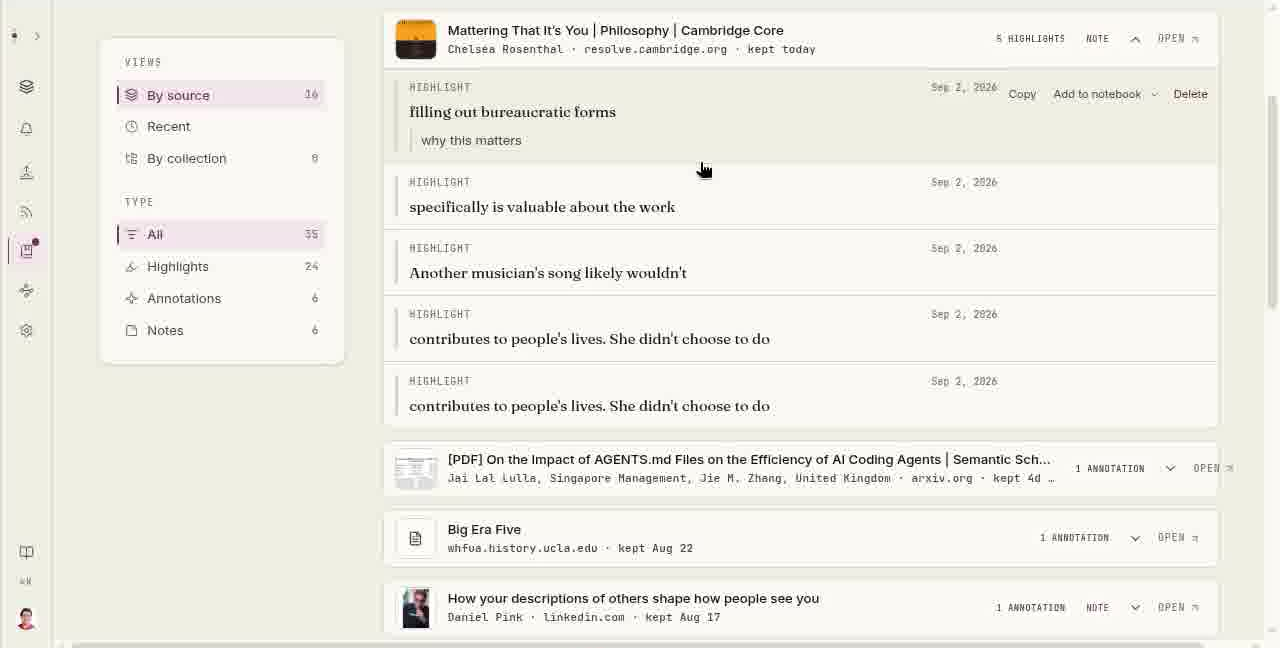
In Omphalis, marks and notes stay anchored to their passages. The PDF reading view presents extracted text with a section map, and the Marks rail provides a way back to saved passages. Keep the original PDF nearby when figures, equations, tables, or layout carry meaning; extracted text is not always a substitute for the page.
4. Leave a return path
A note should say not only why you marked something, but also where you expect to look for it again.
That location might be part of the note itself: “Methods, sample selection,” “For the grant proposal,” or “Compare with Patel on adherence.” It might be the section heading, the research question you’re working on, or the project where the passage belongs.
Keep the return path plain. If you need a complicated tagging system to remember where a mark belongs, the system may be asking too much of the mark.
How does this work on one difficult paper?
Imagine you are reading a paper for a research project. In the methods section, you find a short explanation of how participants were selected. It may affect whether the results apply to your own study.
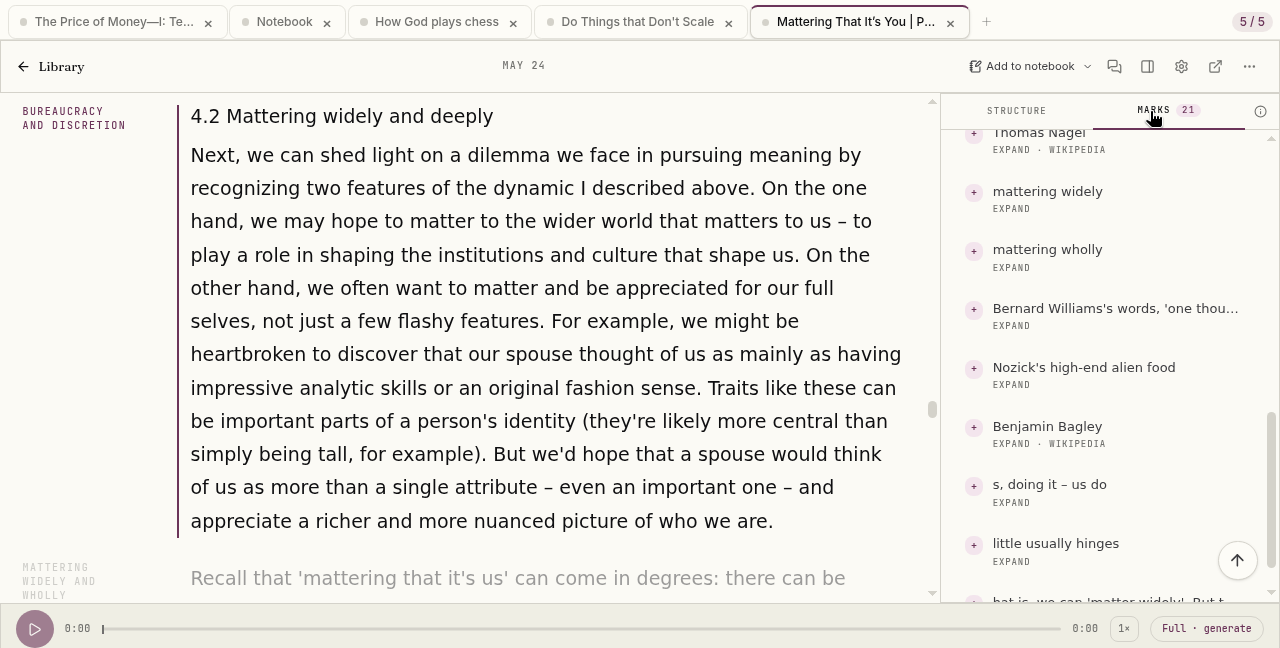
You highlight just those sentences. Beside them, you write: “Check whether this exclusion also applies to our recruitment.” Then you add a return path: “Methods, sample criteria; compare with project protocol.”
A week later, you reopen the paper. The note gives you a question, the mark takes you to the relevant lines, and the surrounding text lets you check what the authors actually did. You may resolve the issue, revise the note, or leave it open. In each case, you are returning to a specific piece of reasoning, not scanning a page of unexplained color.
That is the practical value of a good PDF annotation: not that it finishes your thinking, but that it helps you re-enter it.
How many passages should you mark?
Annotation hoarding is an honest failure mode. When every sentence is marked, the marks stop distinguishing one passage from another. The PDF becomes a field of equal emphasis.
This is not an argument against highlighting. Ponce, Mayer, and Méndez (2022) pooled 85 effect sizes from 36 published experiments in Educational Psychology Review. Highlighting that learners did themselves improved memory but not comprehension, while highlighting supplied by an instructor improved both.
That fits an older verdict. Dunlosky and colleagues (2013) reviewed ten common study techniques in Psychological Science in the Public Interest and rated highlighting and underlining as low utility on their own. Neither finding says to stop marking. Both say that marking alone is not the same as understanding.
A simple limit can help: mark only passages tied to a question, decision, comparison, or future use. If you find yourself highlighting nearly every paragraph, pause and choose the few that would be hardest to locate again.
Fewer marks make each return easier to read.
Where can AI help, and where should it stop?
An AI note taking app can help clarify a term, orient you in a long paper, or suggest where an argument shifts. A knowledge extraction tool may help you locate claims, definitions, or evidence across files. Those are useful forms of assistance, especially when a document is dense.
But a system can suggest what might matter; it cannot decide what matters to your work. Its explanation is not your interpretation, and its summary is not a substitute for checking the source.
Use AI to make a difficult passage easier to enter. Then decide whether the passage belongs in your notes. If it does, write the reason in language you recognize as your own. Keep the source close enough to question the suggestion.
The role is support, not substitution.
When should you come back to your marks?
Marks are easier to use when you return to them. At the end of a reading session, or before reopening the PDF, choose one or two notes and ask:
- Can I still explain why I saved this?
- Does the passage support, complicate, or contradict my current understanding?
- Is there a next step: verify, compare, cite, or let it go?
Some marks will no longer matter. Delete or leave them behind. Others will become more useful when another source gives them context. The point is not to preserve every past reaction. It is to make the meaningful ones findable.
If you already have a PDF workflow that serves you, keep it. Traditional PDF tools remain useful for layout-sensitive markup, collaboration, and detailed page work. Omphalis is for a narrower task: keeping a passage, your note, and a way back together as you read. The highlights and notes guide explains how those marks can remain connected to their sources.
In short: mark less, write the reason at once, and keep the note on the passage it explains.
FAQ
How many highlights per page is too many?
There is no fixed number. If most paragraphs on a page carry a mark, the marks no longer separate one passage from another. Pick the few you would struggle to find again and let the rest go.
Should I write a note on every highlight?
Write one whenever the reason is not obvious from the passage itself. A single line is enough. A highlight without a reason is the one most likely to puzzle you later.
What should an annotation note say?
Say why the passage matters to you: a question to check, a comparison to make, or a use you have in mind. Avoid restating the passage. Your note should add the part the author could not write.
Can an AI summary replace my annotations?
No. A summary can orient you in a long paper, but it does not know which passages matter to your project. Use it to find your way in, then mark and annotate the source yourself.
A way back
Start with one PDF you expect to reopen. Mark one passage. Write the reason beside it. Leave a path back.
Not more marks. More returnable ones.